

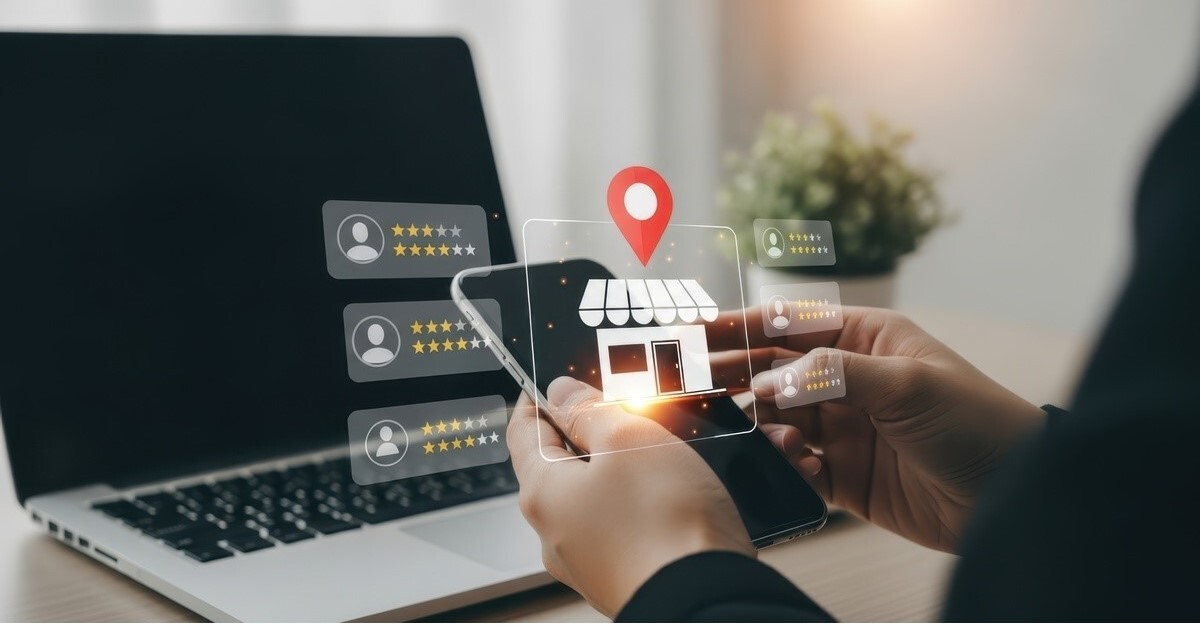
Google My Business is now Google Business Profile (GBP). Your GBP isn’t just a listing. It’s where customers check hours, photos, reviews and much more. An active, accurate profile plus a simple review workflow can lift local visibility and conversions across Search and Maps. It’s one of the most clicked on areas in all of the search results.
What’s changed over the years
- Messaging & call history sunset: Native chat and call history inside GBP were turned off on July 31, 2024.
- In 2025, some regions can add WhatsApp or SMS “Text us” links from the profile’s Chat options. This is handy for pre-sale questions but availability varies by country.
- In 2025, some regions can add WhatsApp or SMS “Text us” links from the profile’s Chat options. This is handy for pre-sale questions but availability varies by country.
- Google Business Profile websites shut down: Those free, single-page “website” versions ended in March 2024. Make sure your GBP links to a real site you control.
- Local pack “justifications” matter for CTR: Google often shows snippets like “Their website mentions emergency plumbing” pulled from your site, posts, services, or reviews. They aren’t a direct ranking factor, but they do influence clicks and give you an idea of what your competitors may be targeting.
- Bookings still work via partners: If you take appointments, connect an approved provider so your “Book” button appears.
- Q&A visibility shifted: Q&A remains accessible in Google Maps, even if it’s not always visible on the knowledge panel in Search.
Do Google Reviews Increase Sales?
Short answer: yes, because reviews drive visibility and selection. Shoppers compare stars, recency, and comments right in the local pack and Maps. Google’s own guidance focuses on prompting reviews (link/QR) and responding, because these behaviors increase customer confidence and action.
Just as important: don’t pay for or gate reviews. Incentives (discounts, freebies, gift cards), review gating, and “friends & family” campaigns violate Google’s user-generated content policies and risk removals or profile actions.
Google’s broader quality guidance also rewards people-first content and authentic experiences. Keep things helpful, first-hand, and trustworthy.
A Simple, Compliant Review System That Works in Any Industry
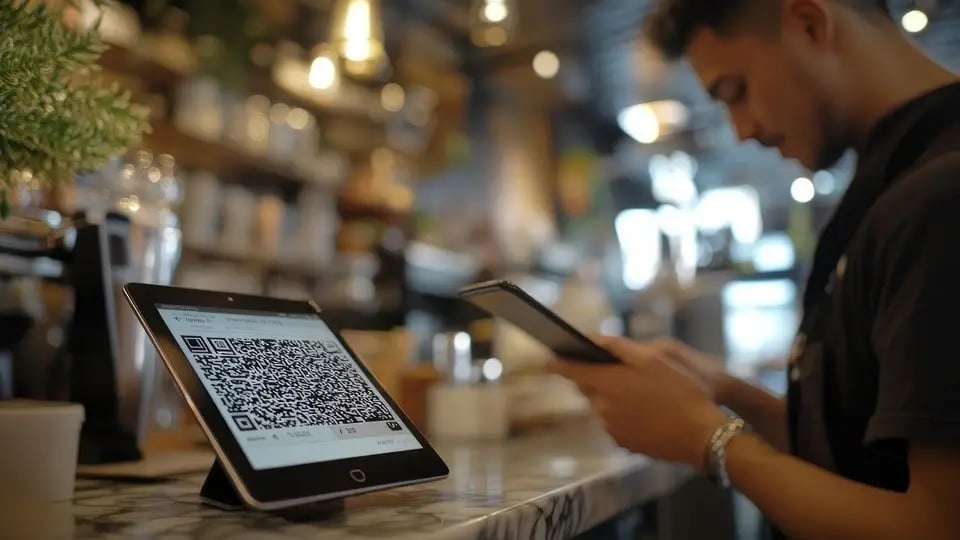
- Create and share your unique review link (and QR): In your GBP: open Read reviews then click Get more reviews to copy the link or download a QR code.
- Use it in receipts, follow-up emails, packaging, and signage.
- Use it in receipts, follow-up emails, packaging, and signage.
- Ask at the right moment: Trigger review requests right after value is delivered (ex: job completion, checkout, appointment wrap-up).
- Keep the ask short and specific: “It would mean a lot if you could share a few words about [service/product].”
- Keep the ask short and specific: “It would mean a lot if you could share a few words about [service/product].”
- Reply to every review within 48 hours: Acknowledge positives, and for negatives: apologize briefly, state one concrete fix, and move details offline. Replies are a public signal of trust and service quality.
- Make the review link visible offline: Add the QR to counter cards, delivery inserts, service vans, or invoices.
- Never incentivize: No discounts, gifts, contests, or selective requests. It’s against policy and can wipe out months of progress.
Profile Optimizations That Indirectly Drive More Reviews and Better Visibility
These don’t “game” rankings. They improve relevance and conversion, which leads to more happy customers and more reviews, which leads to better visbility.
- Categories: Choose a precise primary category and add relevant secondary ones.
- Services & products: List what you actually sell, with short, clear descriptions and prices where feasible. You can incorporate important service and location keywords here.
- Photos & videos: Post real, current visuals like the team at work, before/after, interiors, menus, seasonal updates. EXIF geotags aren't a “hack”, but authentic, fresh media does actually help.
- Posts (updates/offers/events): Weekly micro-updates keep the profile active. These include specials, FAQs, and new services.
- Attributes & hours: Fill in accessibility, amenities, online care, and holiday hours well in advance.
- Booking links (if applicable): Connect your scheduling provider so “Book” shows on Search/Maps.
- Site alignment: Point to a fast, trustworthy page that matches categories and services. People-first content and strong E-E-A-T still win.
Local 3-pack
Optimizing your profile also helps your chances of getting into the "local 3-pack," which is what helps your business naturally show up on the first page of Google search rankings.
Let's say that you are traveling for business and decide to spend the day sightseeing. Now that you have worked up an appetite, you want to find the closest pizza place. If someone searches "pizza near me," the local 3-pack will immediately show up with each Google Business Profile.
Whether it be restaurants, services, hotels, or more; customers are going to search for a possible service near them. With a fully optimized Google Business Profile, you have the chance to promote your services and features.
Google Customer Reviews Badge vs. GBP Reviews (they’re different)
Google Business Profile reviews live on your local listing in Search/Maps and influence local discovery/selection.
Google Customer Reviews is a Merchant Center program for ecommerce checkout surveys and a website badge. Its ratings fuel store ratings for Shopping and some ads, not your local GBP star rating.
If you run ecommerce, you can add the Customer Reviews badge to your site via a simple script. This complements, but doesn’t replace, GBP reviews.
Merging Profiles, Moving, and Review Transfers
Let’s say you have some reviews. If you have a duplicate profile or moved locations and kept the same name, you can often merge profiles and keep reviews (replies may be lost). Use Google’s merge/transfer process. Ensure both profiles represent the same business.
Frequently Asked Questions (FAQs)
Wrapping Up: Get More Reviews with a Helpful GBP
Google Business Profile is where local decisions happen. Treat reviews as a simple, repeatable habit. Today, copy your review link and QR, add it to receipts and follow-ups, and plan to reply to every review within 48 hours.
This week, turn on an automated post-purchase ask, set out a small “Rate us on Google” sign, upload a few recent photos, publish one Post that answers a common question, and double-check categories, services, hours, and attributes.
From there, keep a steady cadence of new reviews, track which touchpoints drive them with unique redirects, and keep holiday hours fresh.
Keep it consistent and your reviews will compound.