


A strategic framework for deploying images, infographics, and video across the funnel, so your visuals improve message retention, reduce friction, and accelerate customer acquisition (instead of acting as decoration).
The hook: visuals should guide the customer, not decorate the page
You’ve invested in campaigns. The hard part is not publishing content. It’s keeping your value proposition consistent when audiences meet you in fragments: a social scroll, a landing page skim, a forwarded email, a rushed stakeholder review.
That’s where visuals either help or quietly hurt. High-quality visuals are expected. Strategic visuals are what guide attention, accelerate comprehension, and earn trust.
Visual Assets as Engagement Multipliers
Images deliver clarity and quick consumption. Videos drive deep engagement and trust building. Infographics compress complexity into memorable decisions. Your visuals are not decorations. They are the mechanism that removes friction in your communication process.
The cost of generic visuals: you pay twice
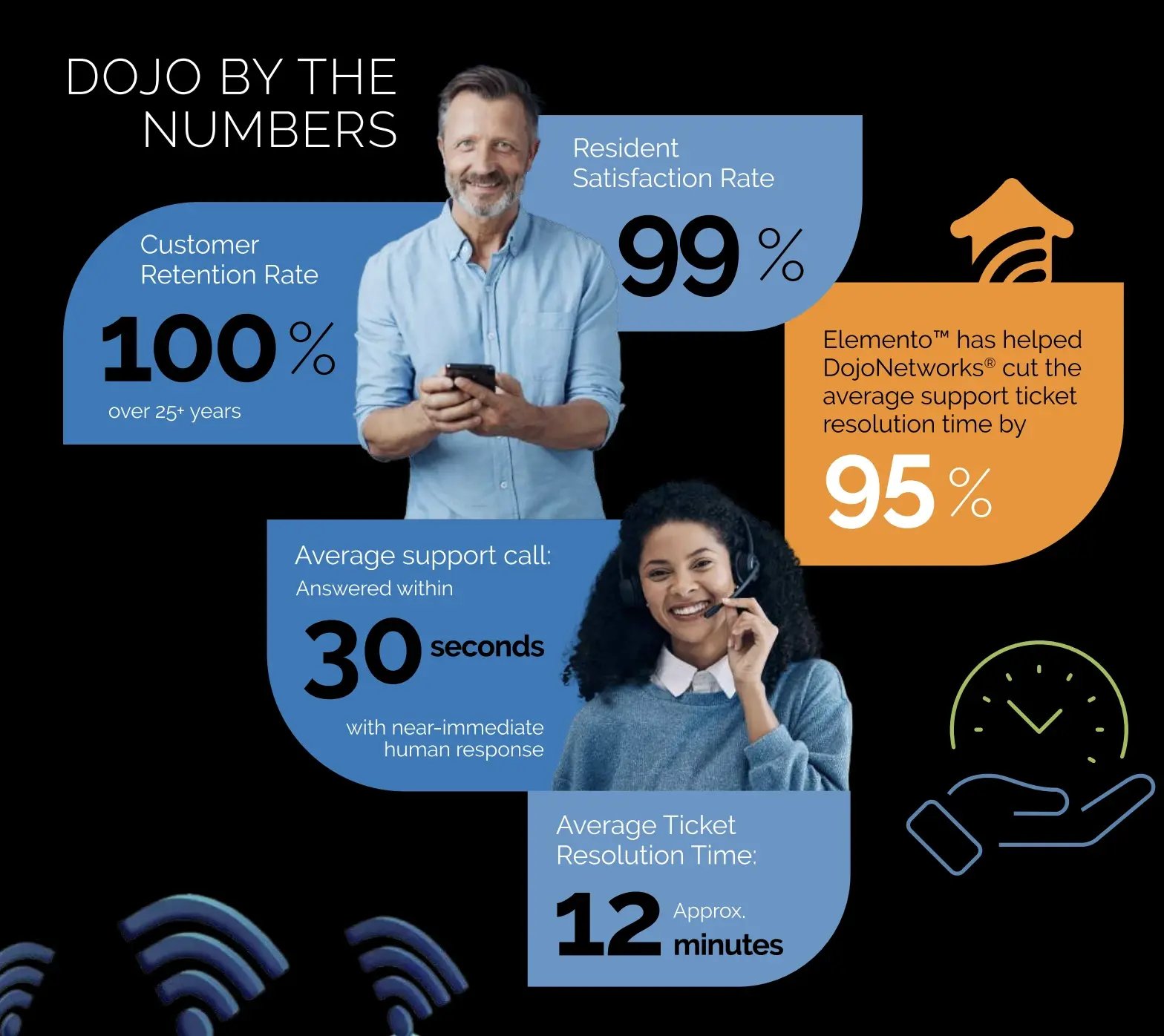
Generic visuals don’t just fail to persuade. They slow comprehension. If a prospect has to interpret what an abstract stock image “means,” you’ve introduced friction right where you needed momentum.
More importantly, generic visuals dilute your value proposition. Prospects need to see specific solutions, not abstract concepts. When your creative assets aren’t tied to a customer journey, the campaign looks busy without feeling credible, leading to:
- Higher bounce risk: unclear pages get skimmed, not read.
- Lower message retention: the user remembers the aesthetic, not the point.
- Weaker trust: stock imagery signals “template,” not authority.
The framework: map visuals to the marketing funnel
Use a simple rule that stays operational under pressure: images for clarity, video for trust, and infographics for retention.
| Funnel stage (your focus) | Strategic goal | Visual asset type | Why it matters to you |
|---|---|---|---|
| Awareness (Brand awareness) | Stop the scroll and clarify the problem. | Infographics, short loops/GIFs, annotated images | Communicates complexity quickly. Supports a clear value proposition. |
| Consideration (Lead generation) | Deepen understanding and build authority. | Explainer videos, testimonial clips, comparison visuals | Builds brand trust and shows the solution in action. |
| Decision (Acquisition) | Eliminate last-minute friction and build confidence. | Case study videos, implementation walkthroughs, “what happens next” diagrams | Mitigates risk, accelerates approval, and supports customer acquisition. |
Quick test
If you remove the visual and nothing changes, the visual was decoration. If removing it creates confusion, slows comprehension, or reduces credibility, it was strategic.
Using images to remove ambiguity in under 3 seconds
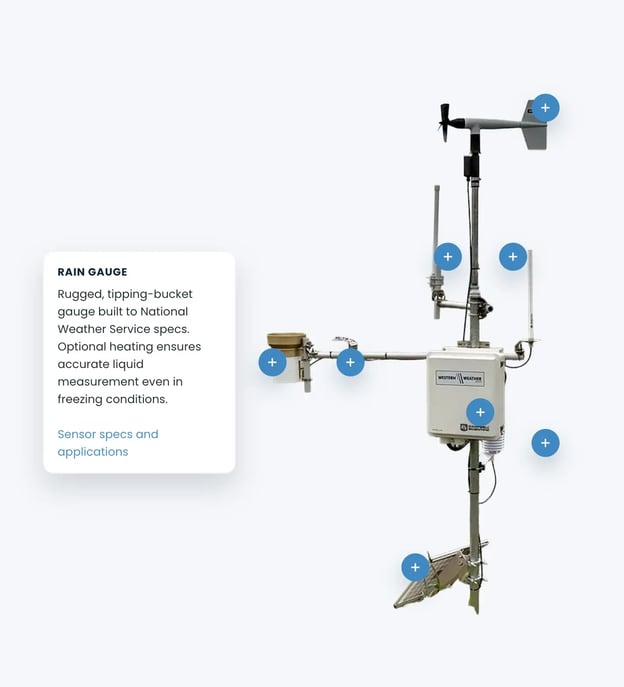
Images win when the user’s question is immediate: “What does this look like?”, “Where do I start?”, “What’s the difference?”, “Is this for me?”
When images outperform text
- UI clarity: annotated screenshots that show the exact action.
- Comparison: side-by-side visuals with labeled differences.
- Process: a simple workflow diagram that makes next steps obvious.
- Proof: a real deliverable excerpt (redacted if necessary).
How to build images that convert
- One image, one job.
- Design for visual hierarchy. One focal point, one support callout, one next step.
- Annotate like a product manager. Arrows and labels often beat “pretty.”
- Caption for retention. Captions should add meaning, not repeat headings.
- Accessibility + SEO basics: descriptive alt text and filenames.
Infographics: compress the story, then earn the click
Infographics work when you need the reader to remember your model, especially when you’re selling a process, not a commodity.
Video: build trust faster by showing what text can’t prove
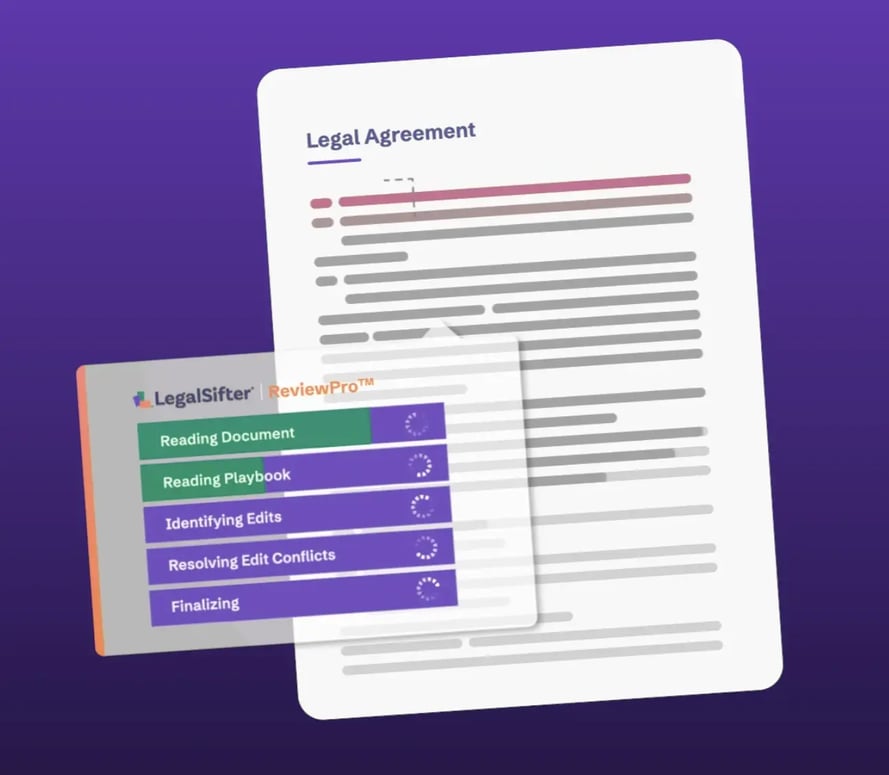
If images clarify, videos convince. Video demonstrates competence, transparency, social proof, and fit without forcing the user to “take your word for it.”