


Mastering your brand's presence on TikTok is no longer optional. It’s a necessity. However, as your brand grows, managing multiple assets and team members through a personal profile becomes inefficient and risky. That is where the TikTok Business Center comes in.
Setting up a TikTok Business Center account is the foundational step for any brand or agency looking to scale their advertising efforts. The central hub allows you to manage your TikTok Shop, Ad Accounts, and Audiences while maintaining strict security over who has access to your data. Below, we will walk you through the step-by-step process of creating your account and adding members to TikTok Business Center.
1. Navigate to Tik Tok
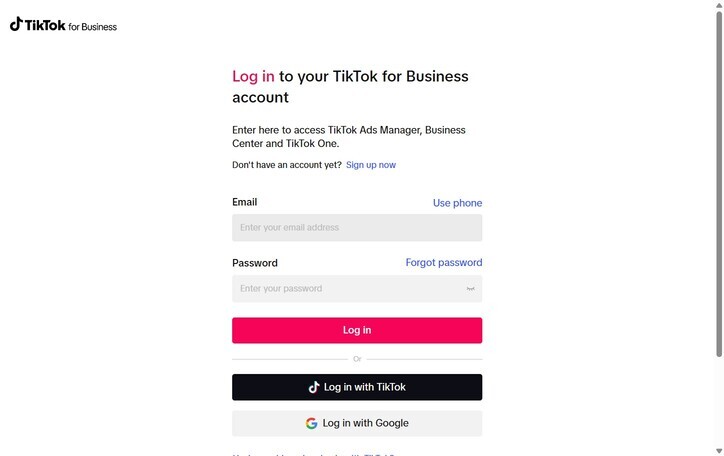
2. And either log in to an existing account or sign up for a TikTok for Business account.
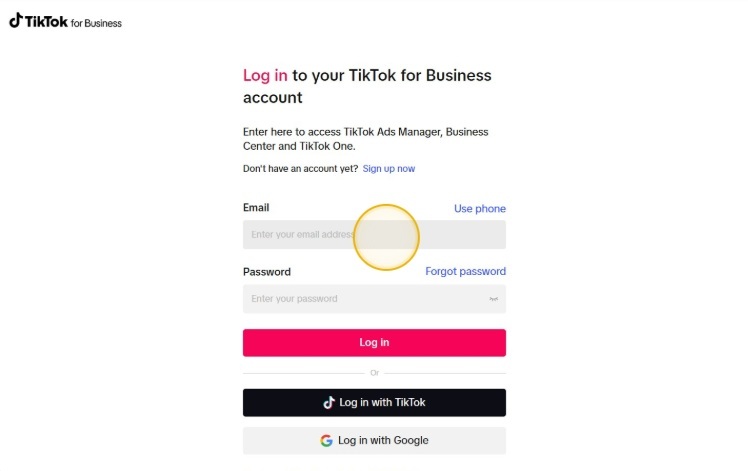
3. Click the "Enter your password" field.
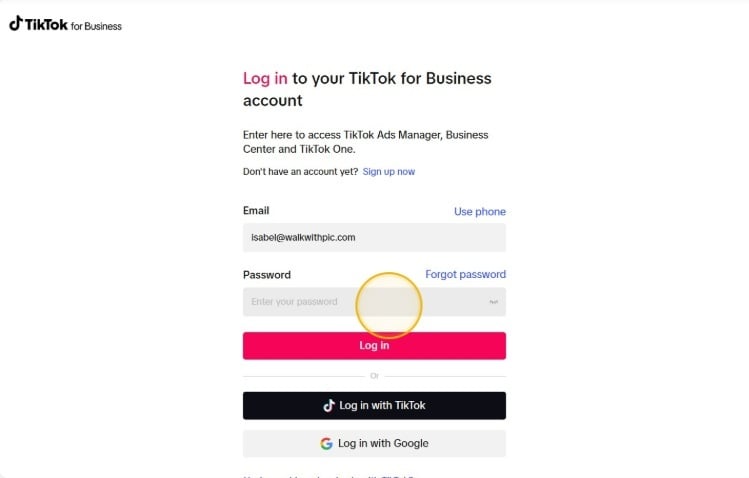
4. Click "Log in".
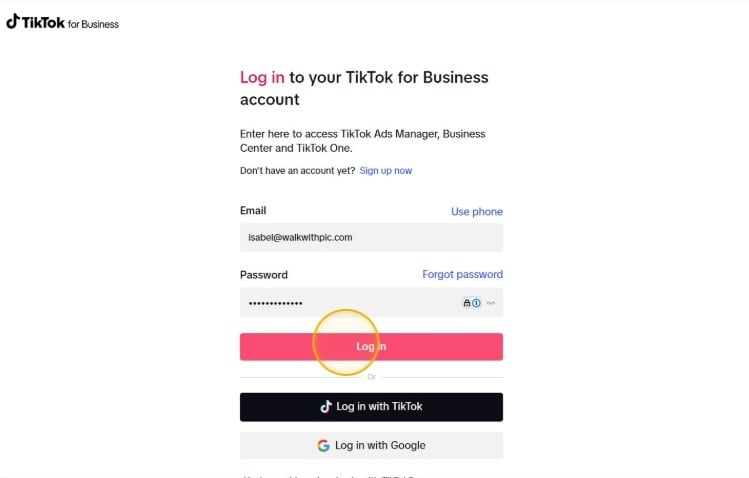
5. Click "I'm an advertiser".
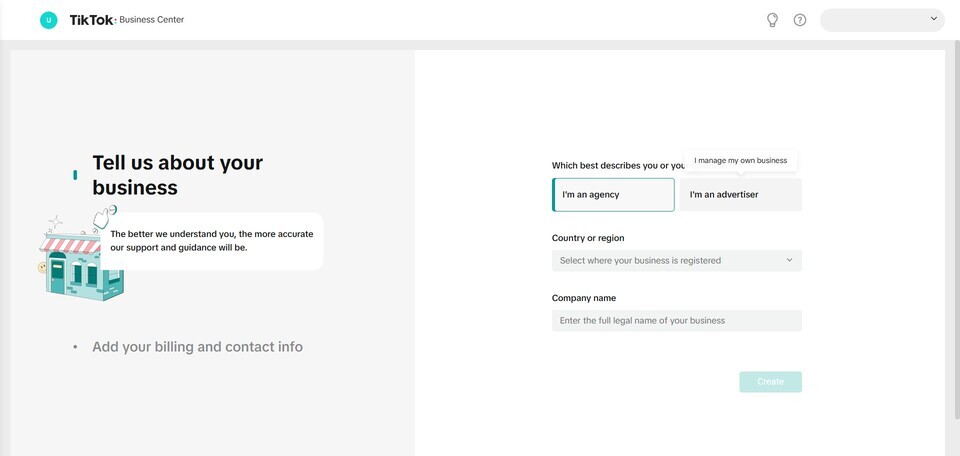
6. Select your region.
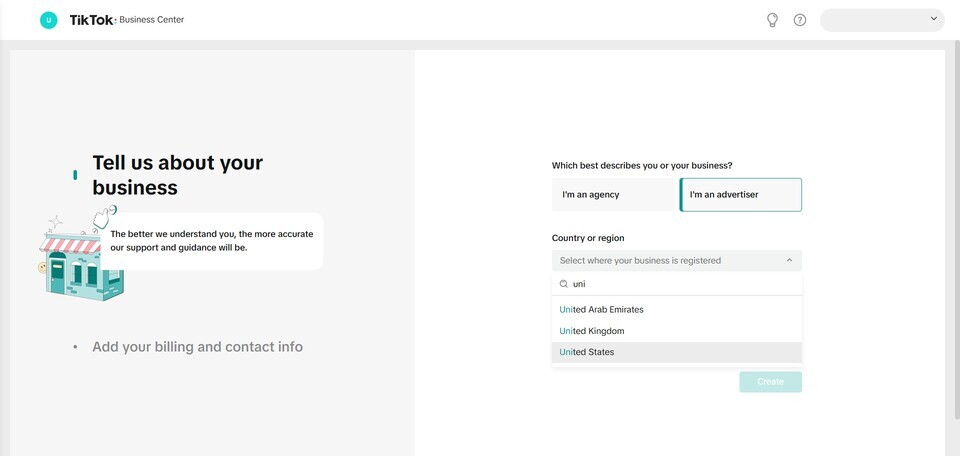
7. Fill out the "Enter the full legal name of your business" field.
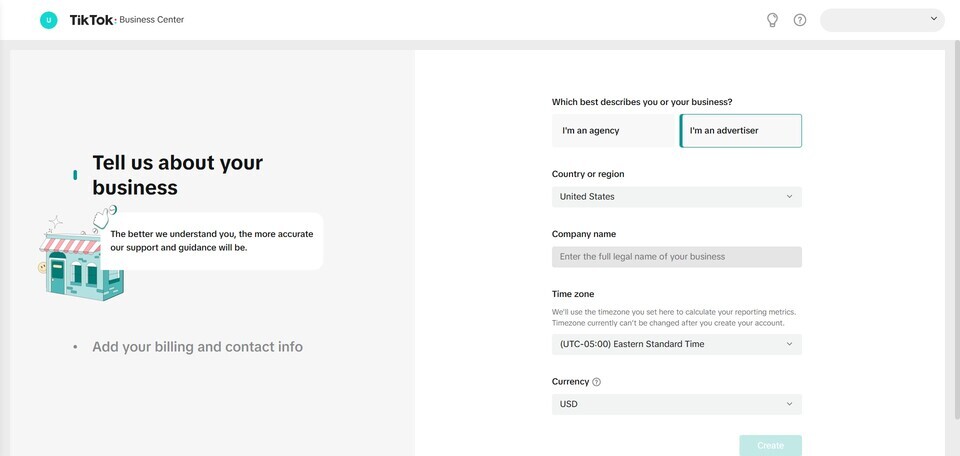
8. Click the "Enter a name for your account" field.
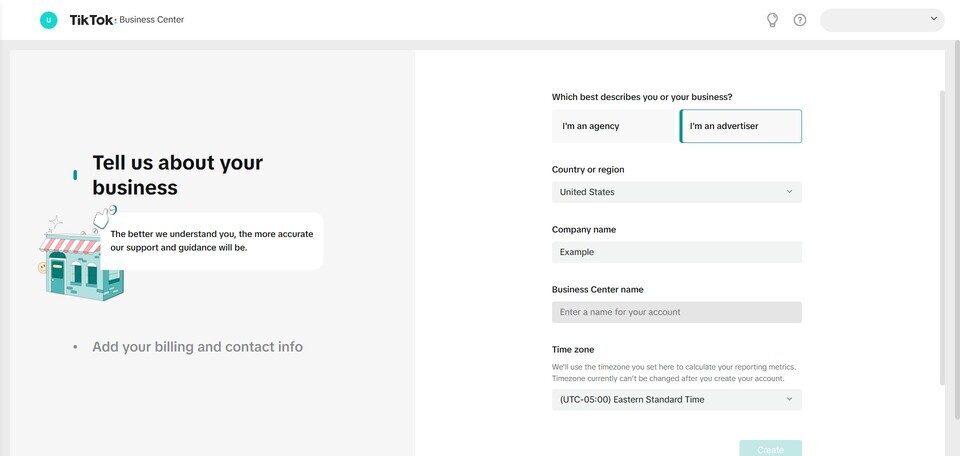
9. Choose a business center account.
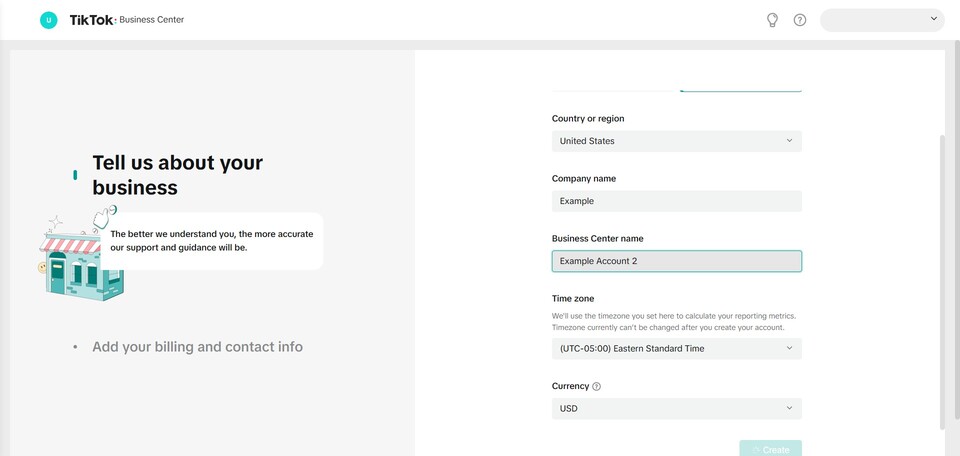
10. Choose your time zone and currency and click "Create".
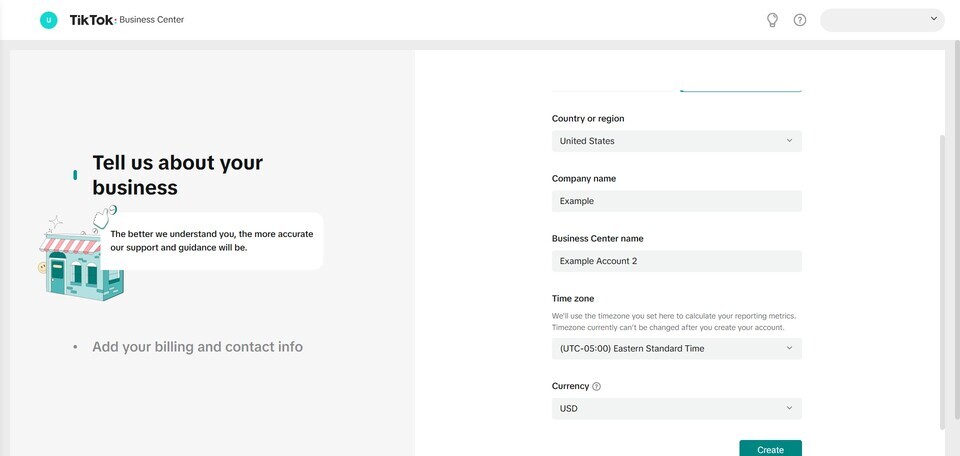
11. Click "Users".

12. Choose your industry.
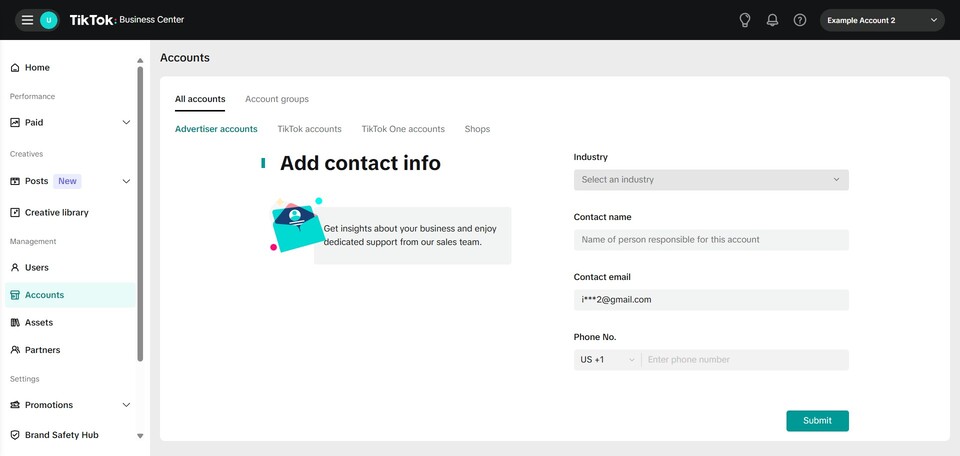
13. Enter "Name of person responsible for this account".
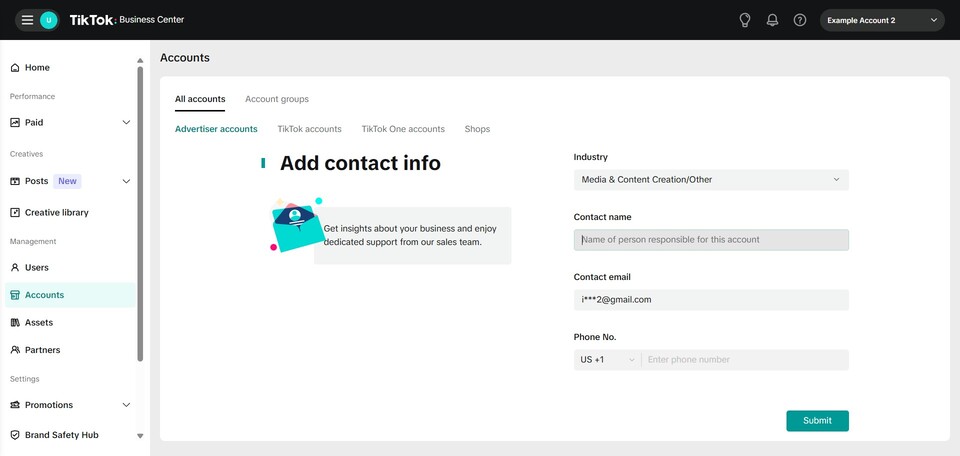
14. Enter email address and phone number.
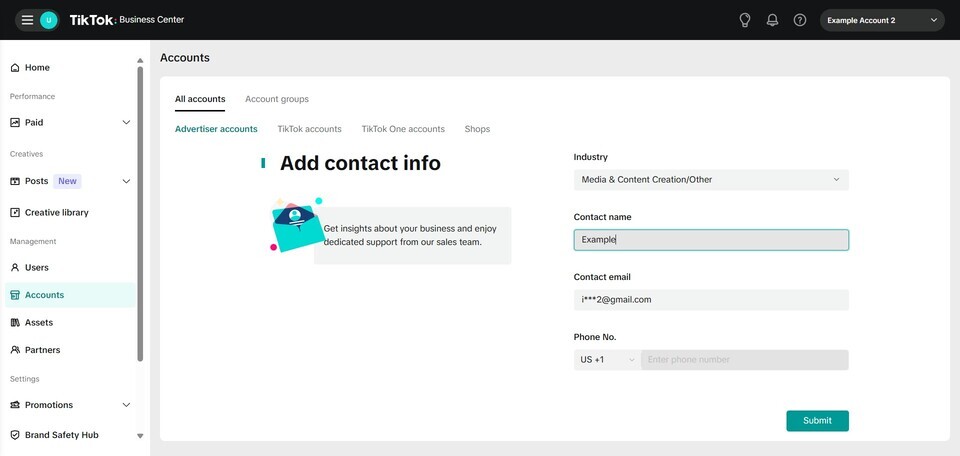
15. Click "Submit".
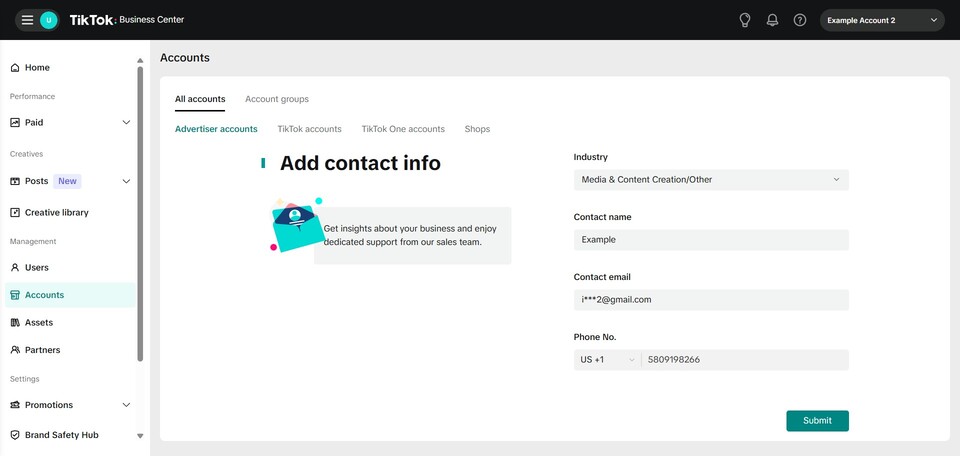
16. Click accounts and "Create New".
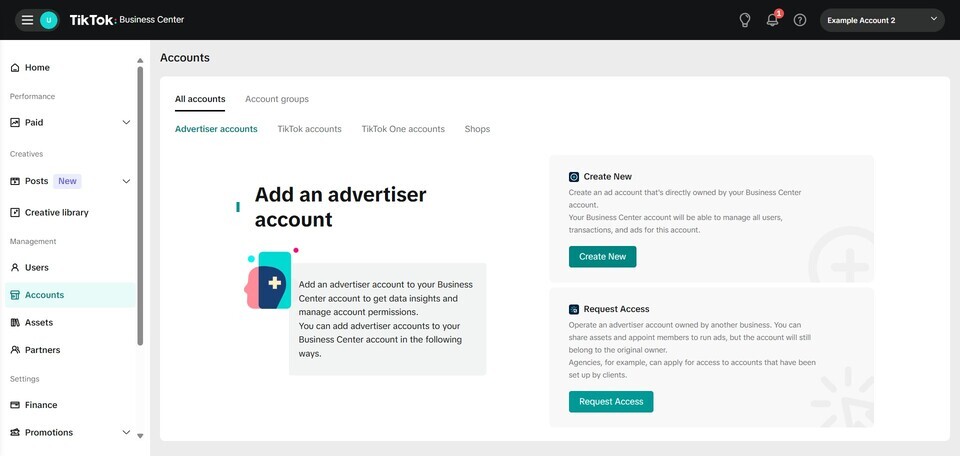
17. Add an ad account name.
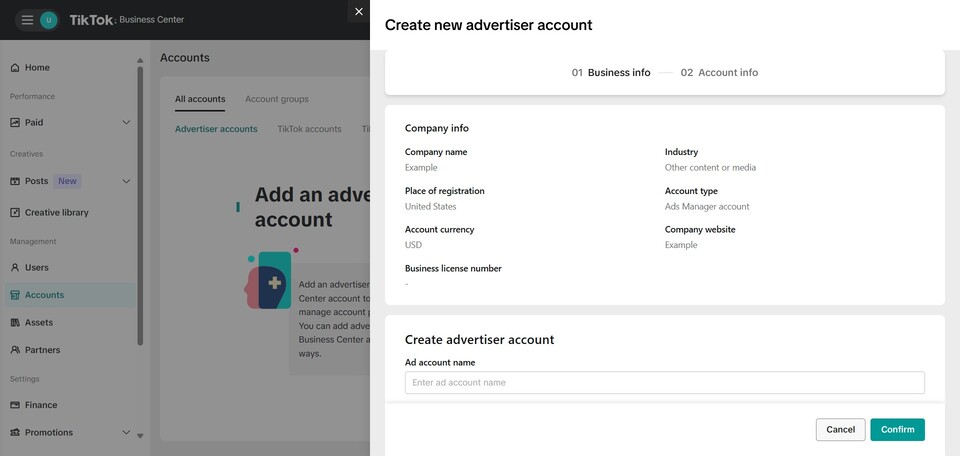
18. Enter time zone.
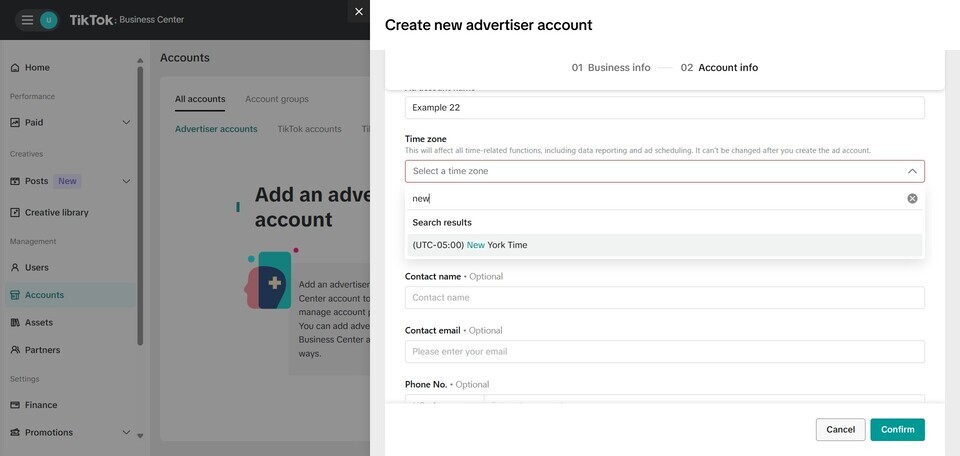
19. Add your website.
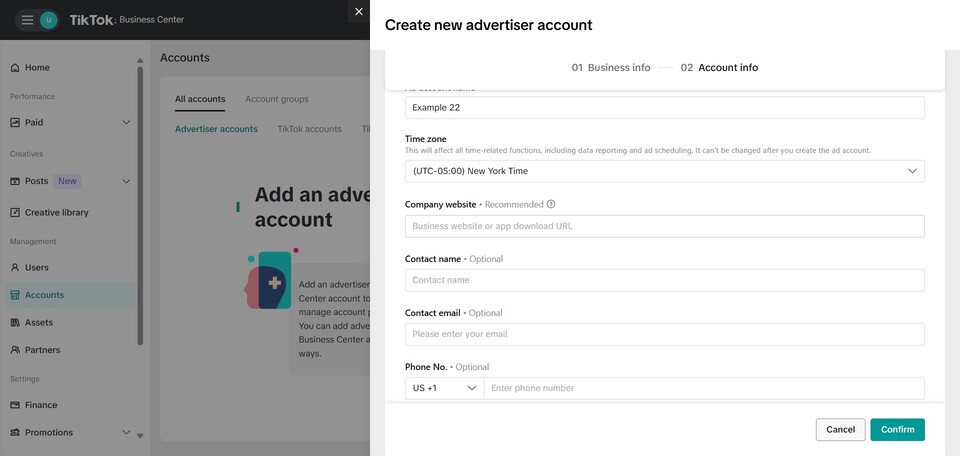
20. Click "Confirm".
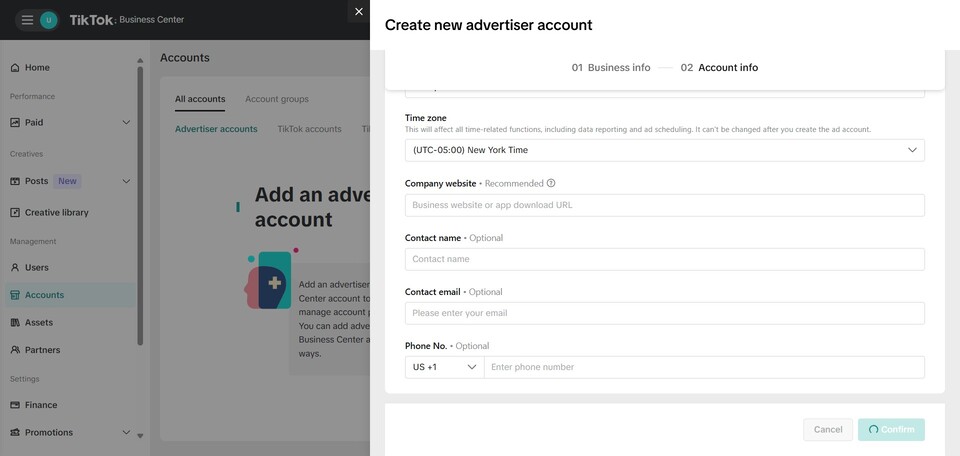
21. Choose a payment setup.
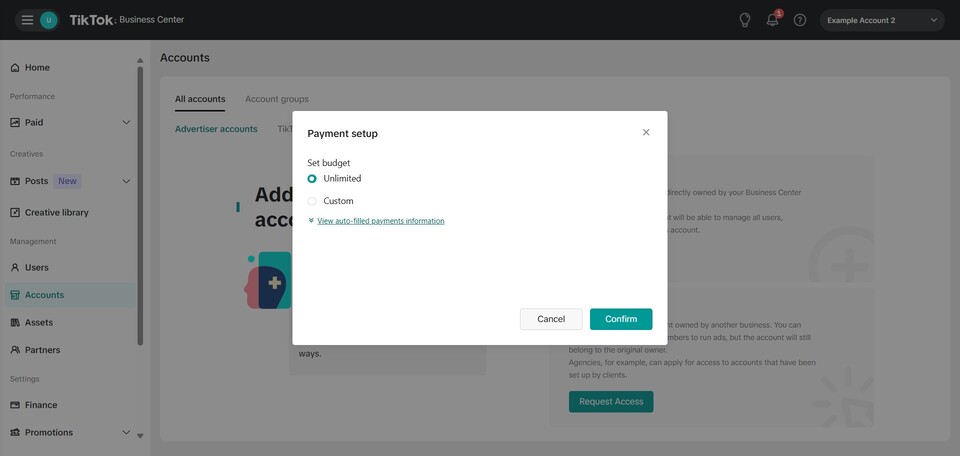
22. Click "Confirm".
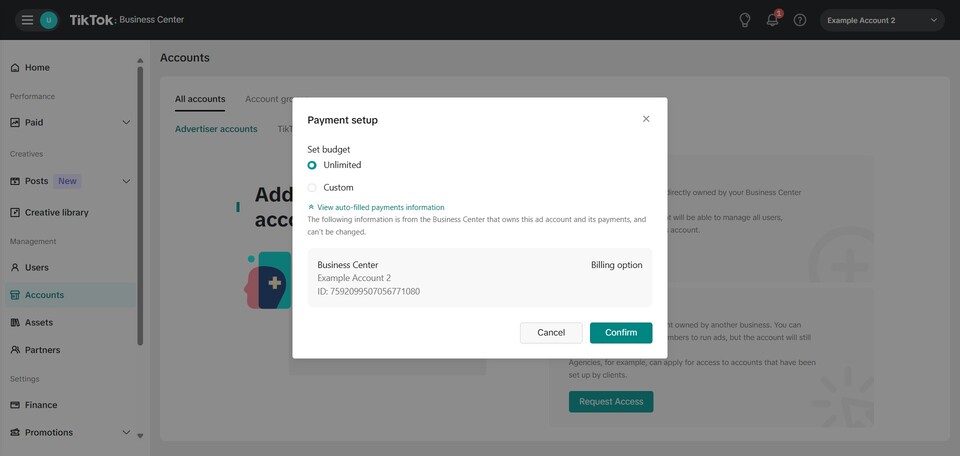
23. Click "TikTok accounts".
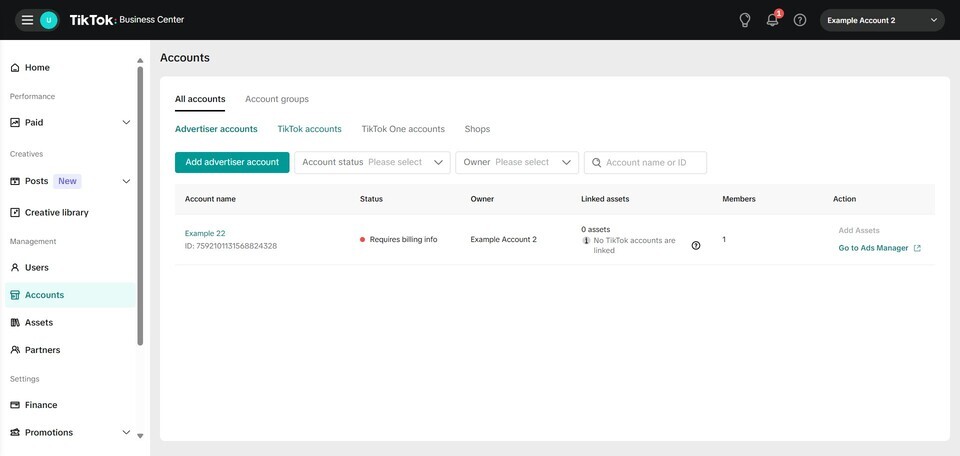
24. Click "Link existing".
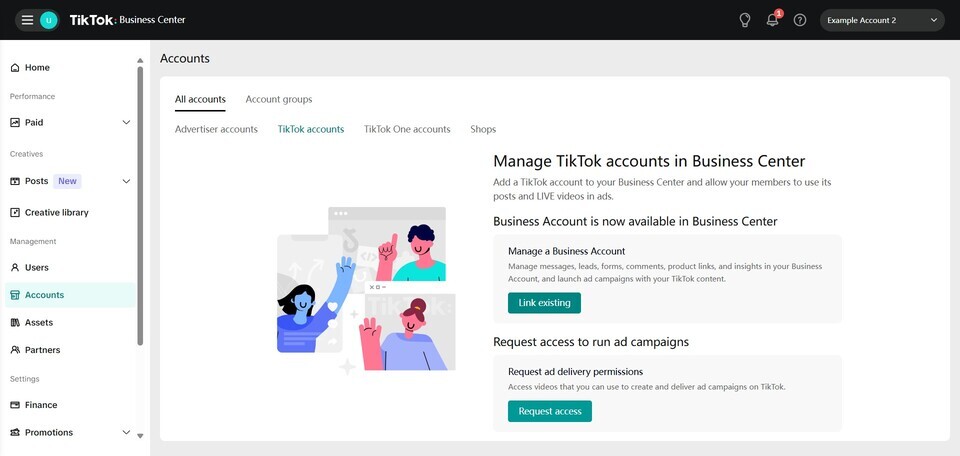
25. Follow steps to link existing company TikTok account.
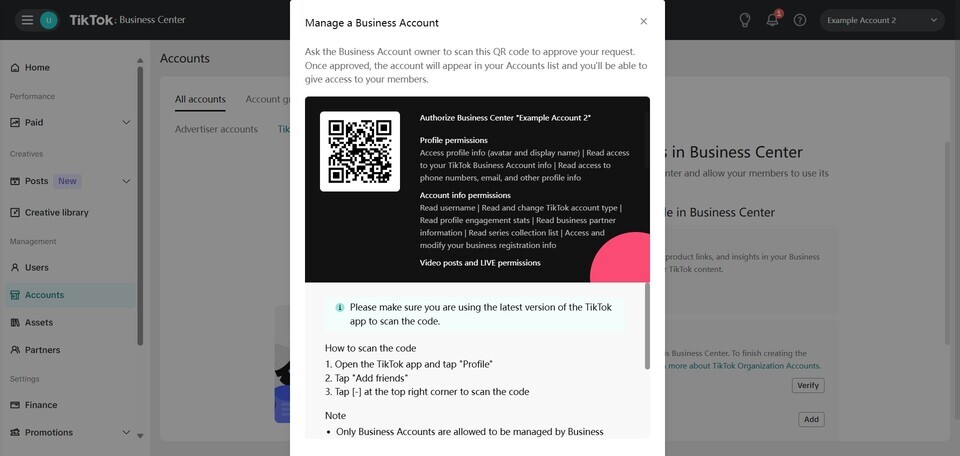
26. Click this icon.
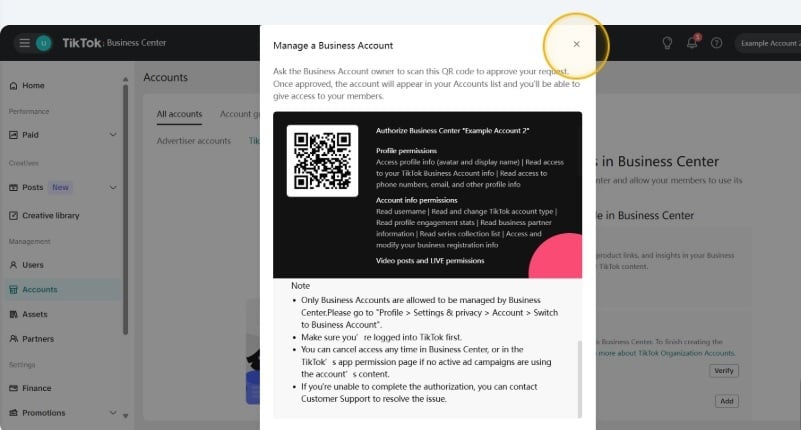
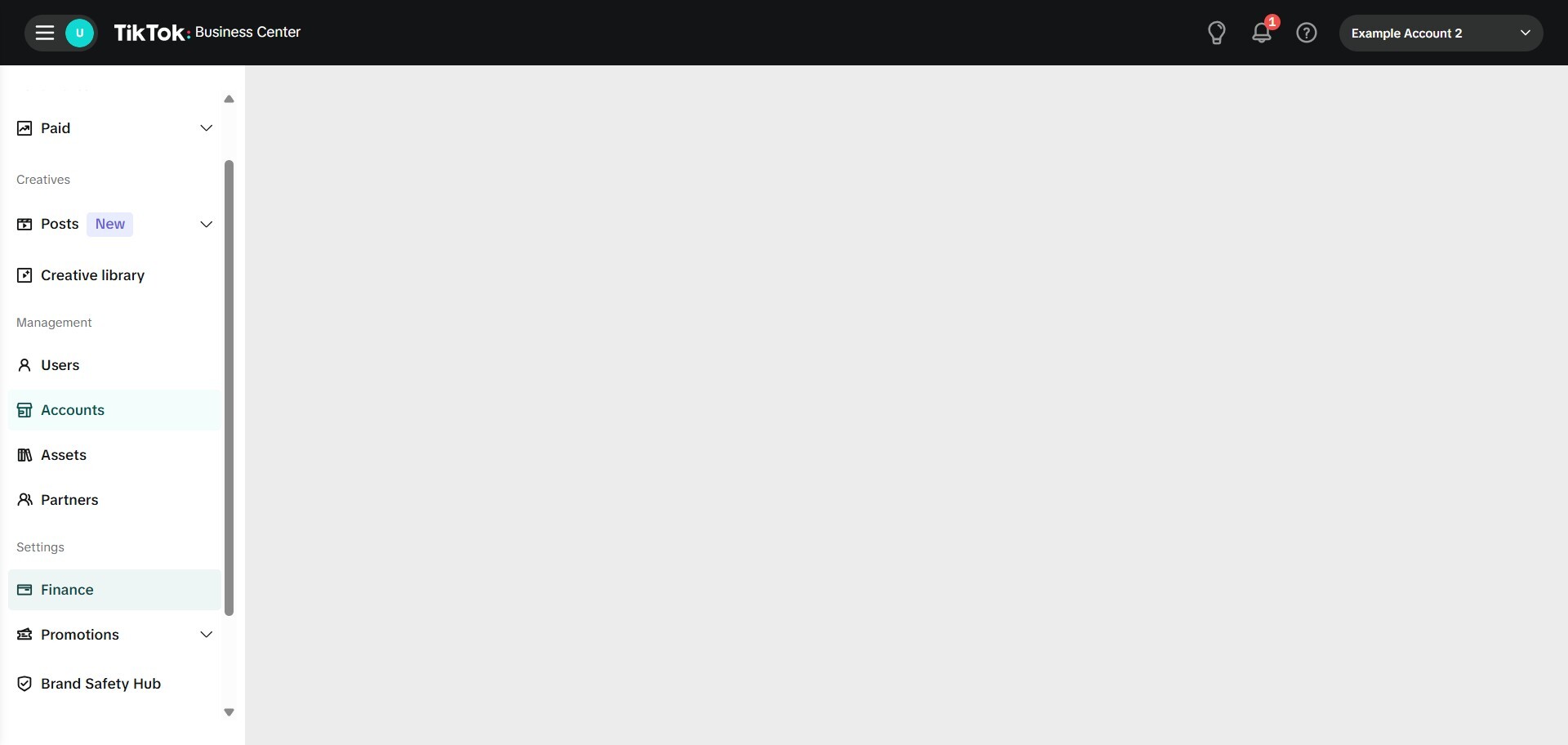
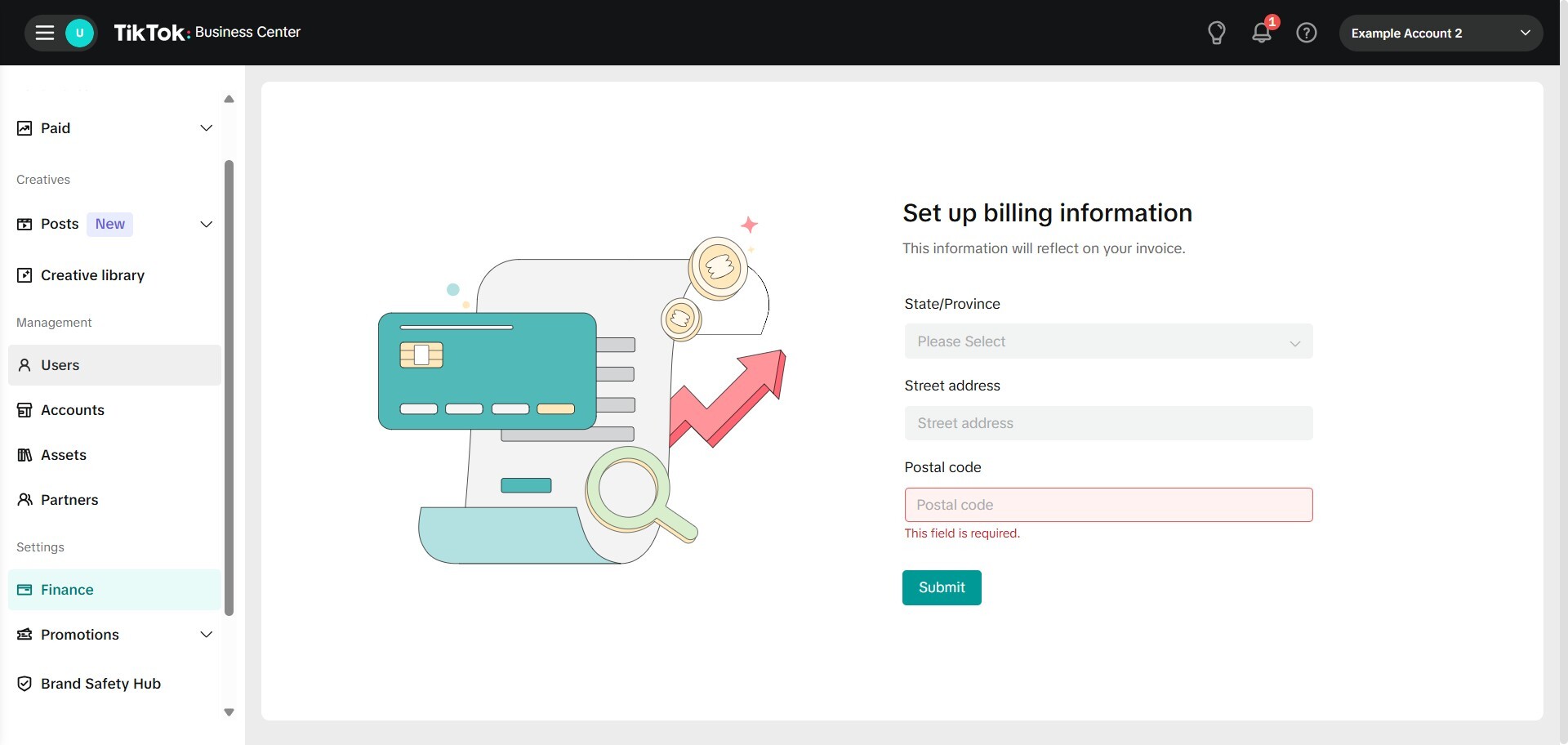
27. Click "Finance".
28. Set up your billing information here.
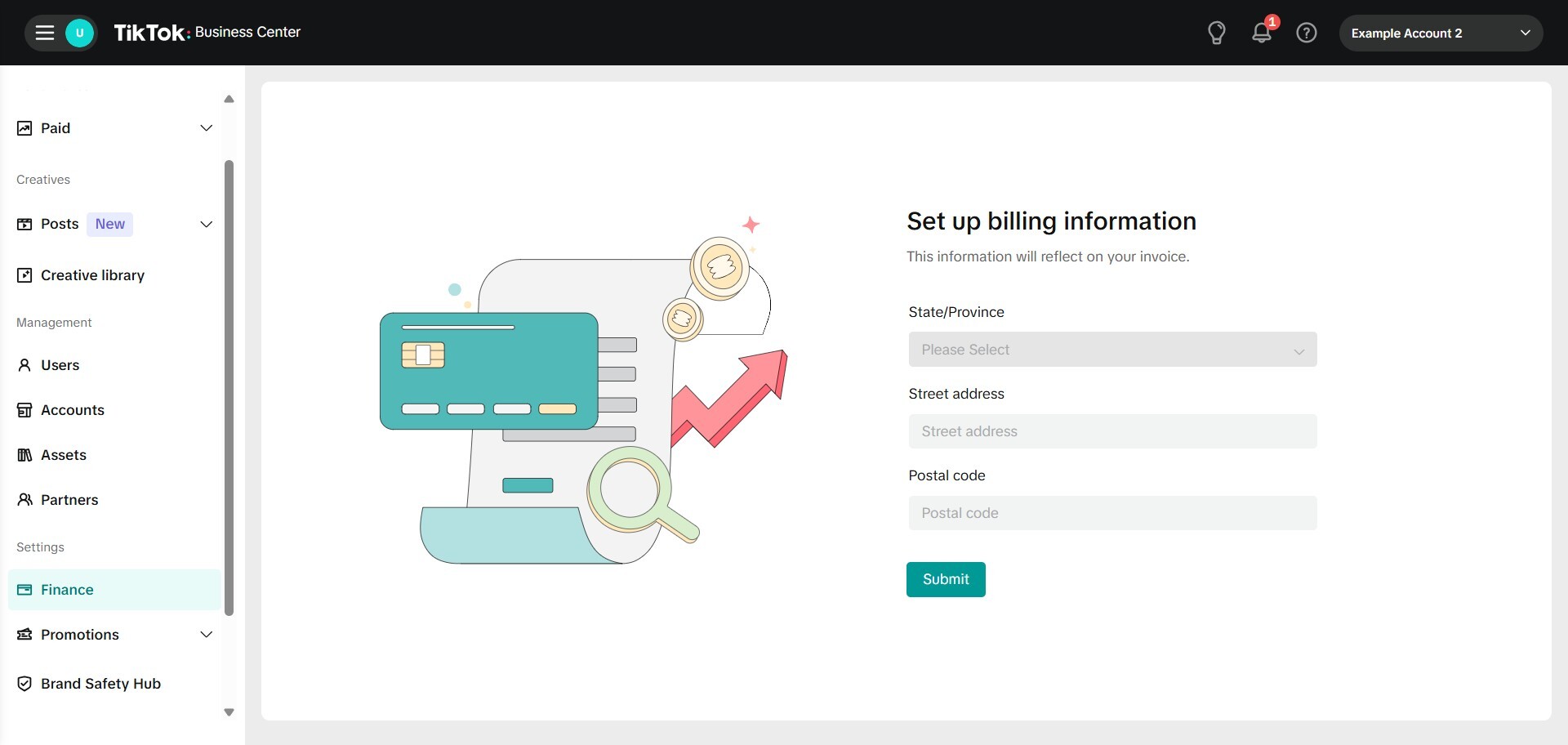
29. Submit.
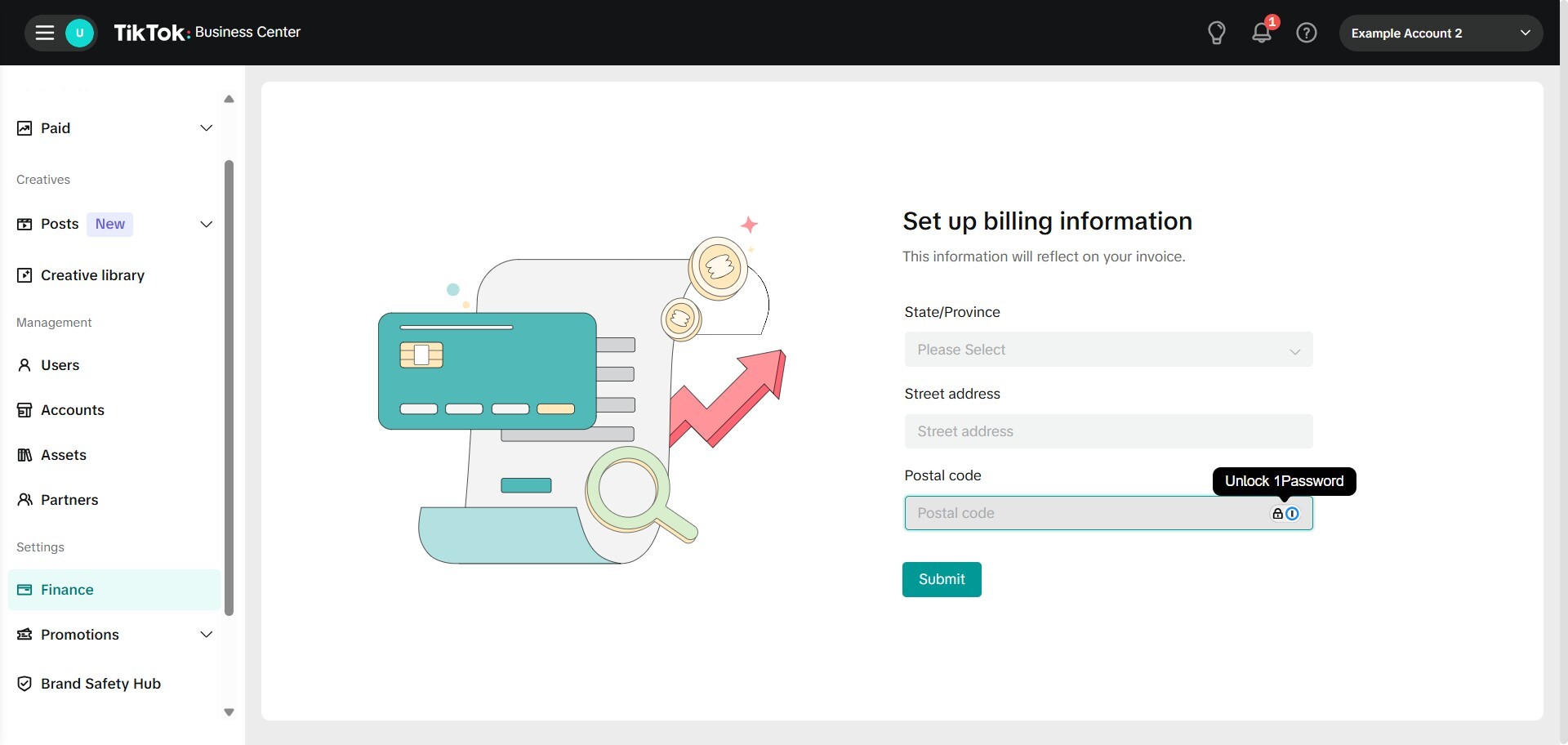
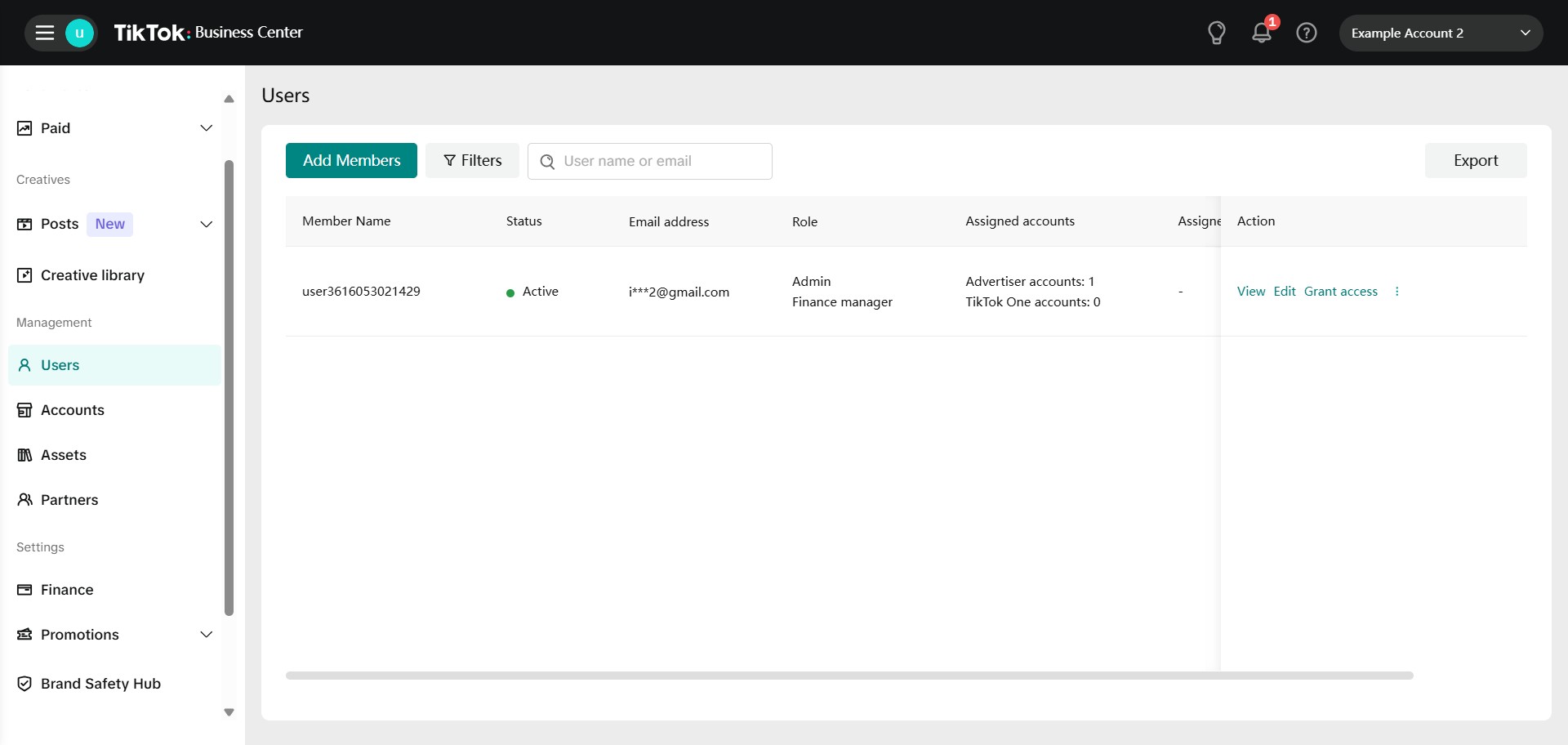
30. Click "Users".
31. Click "Add Members".
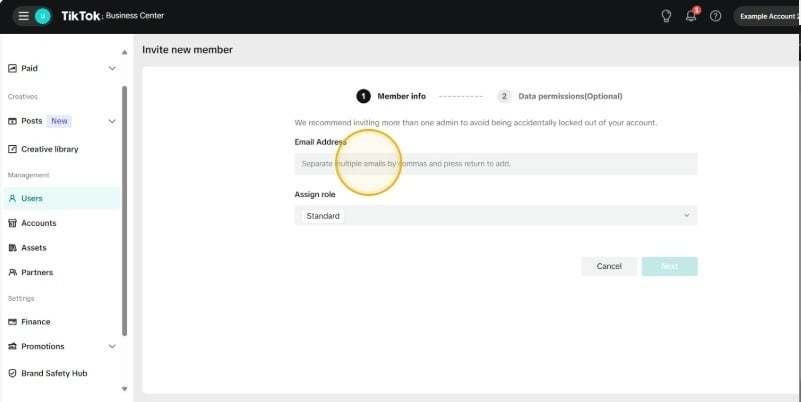
32. Click the "Separate multiple emails by commas and press return to add." field.
33. Type in any email addresses that need to be added as members and separate them by a comma.
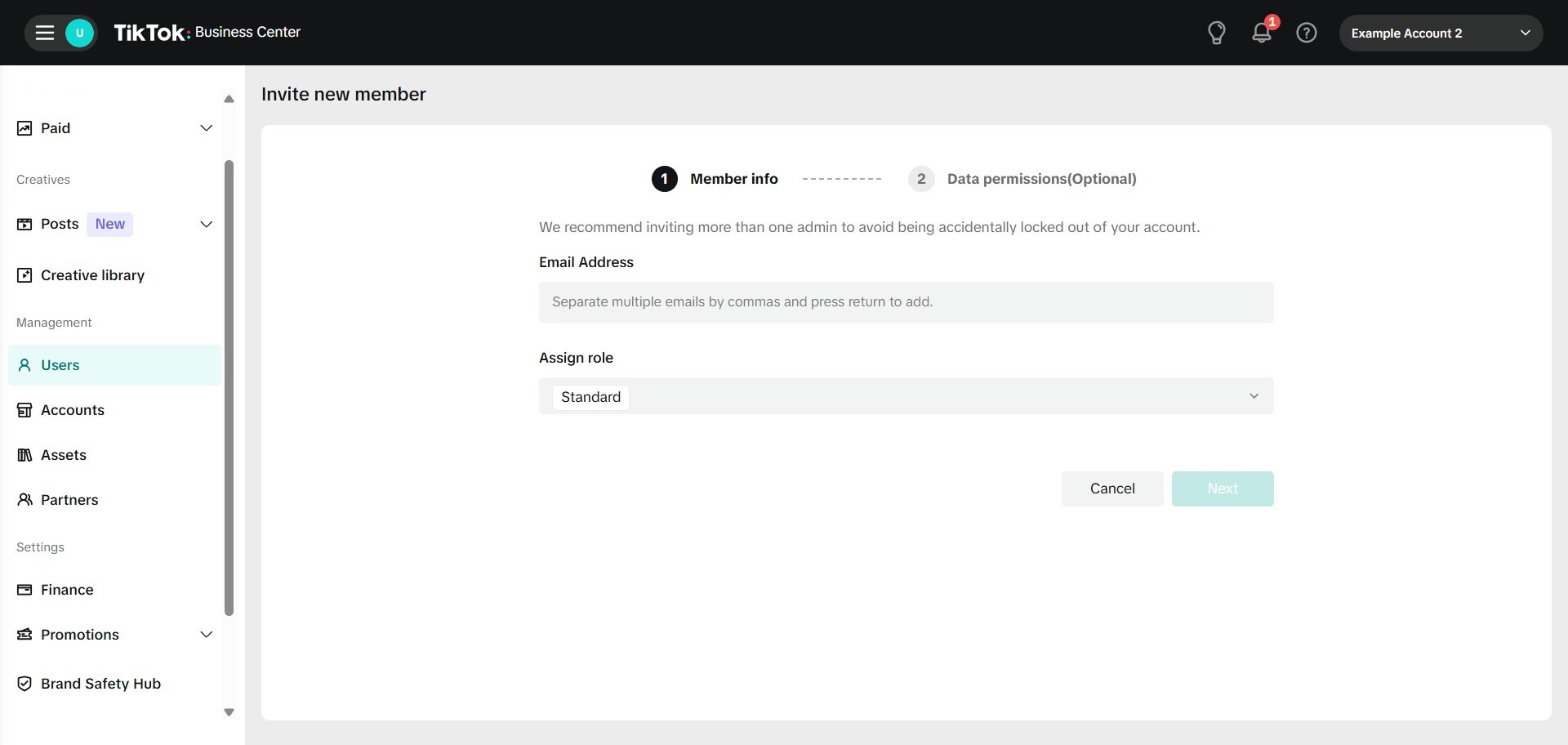
34. Click here.

35. Choose the level of access you want to give to the member.
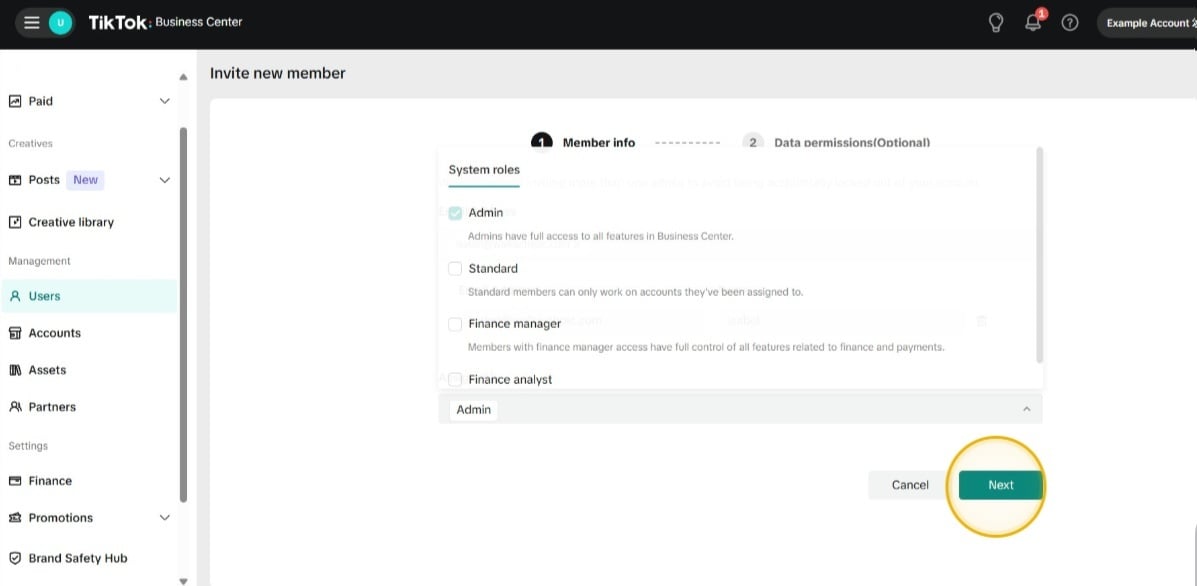
36. Click here.
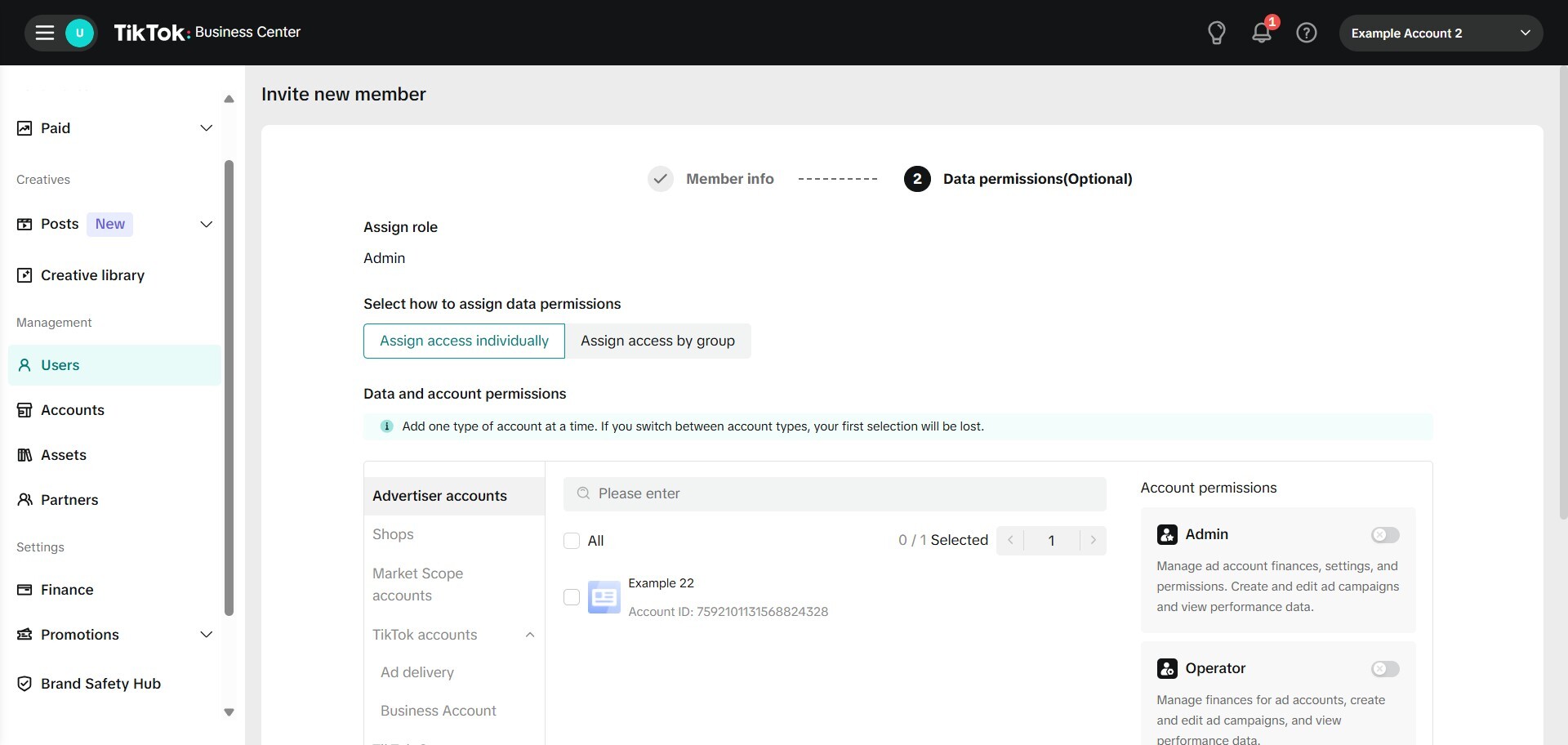
37. Click this icon.
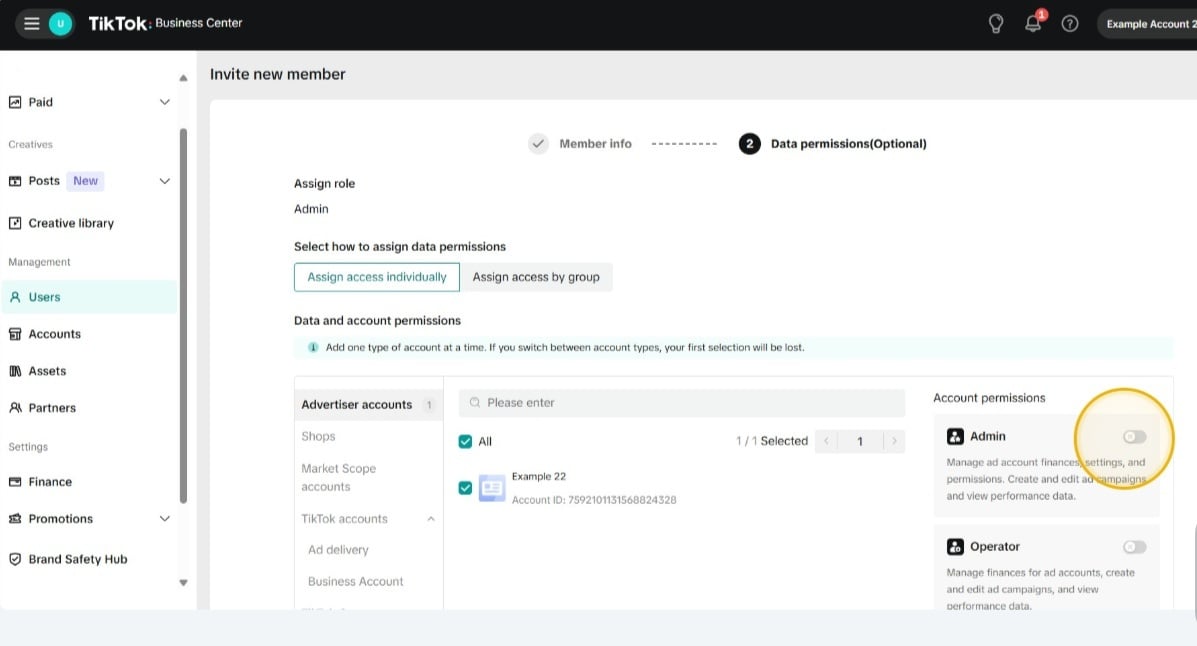
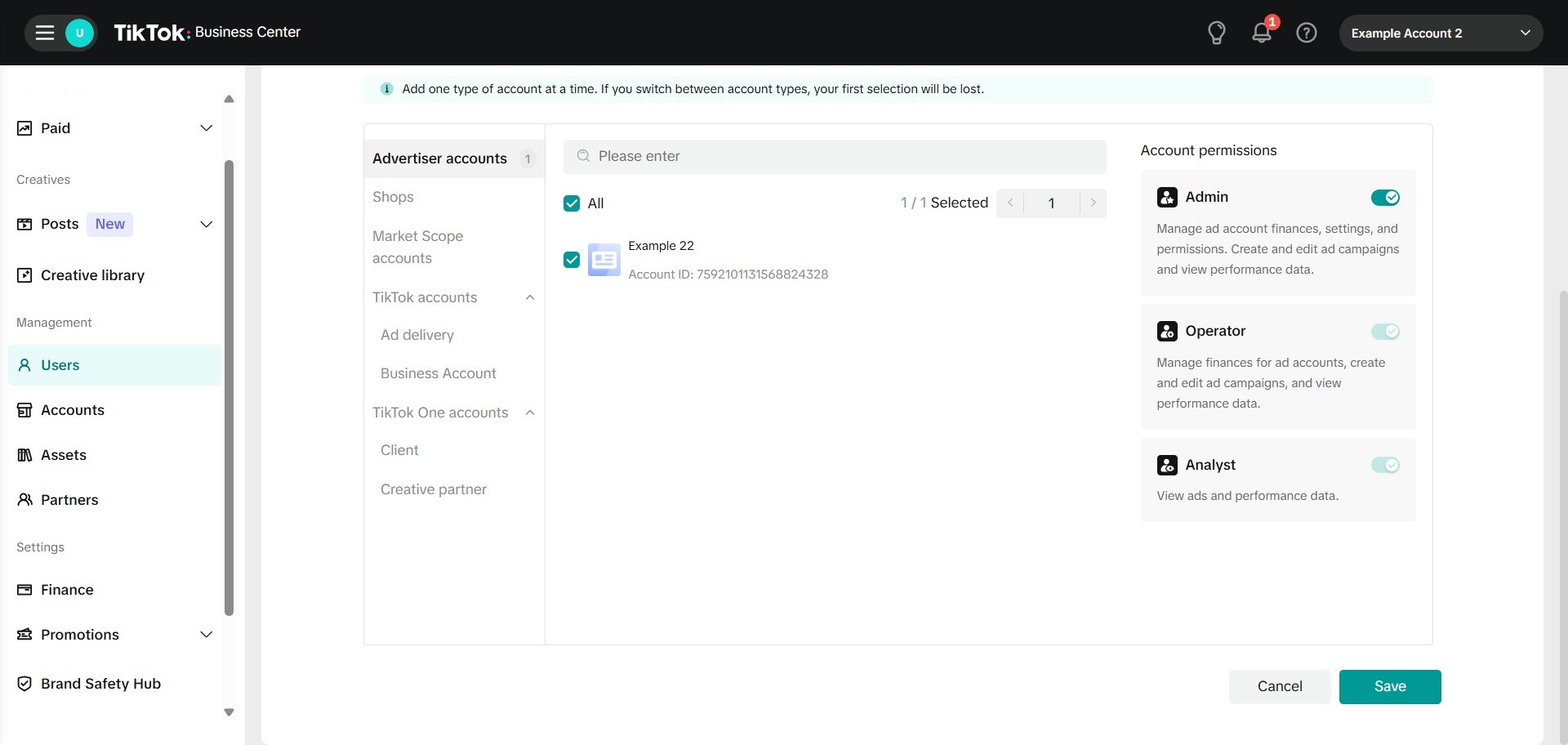
38. Click save.
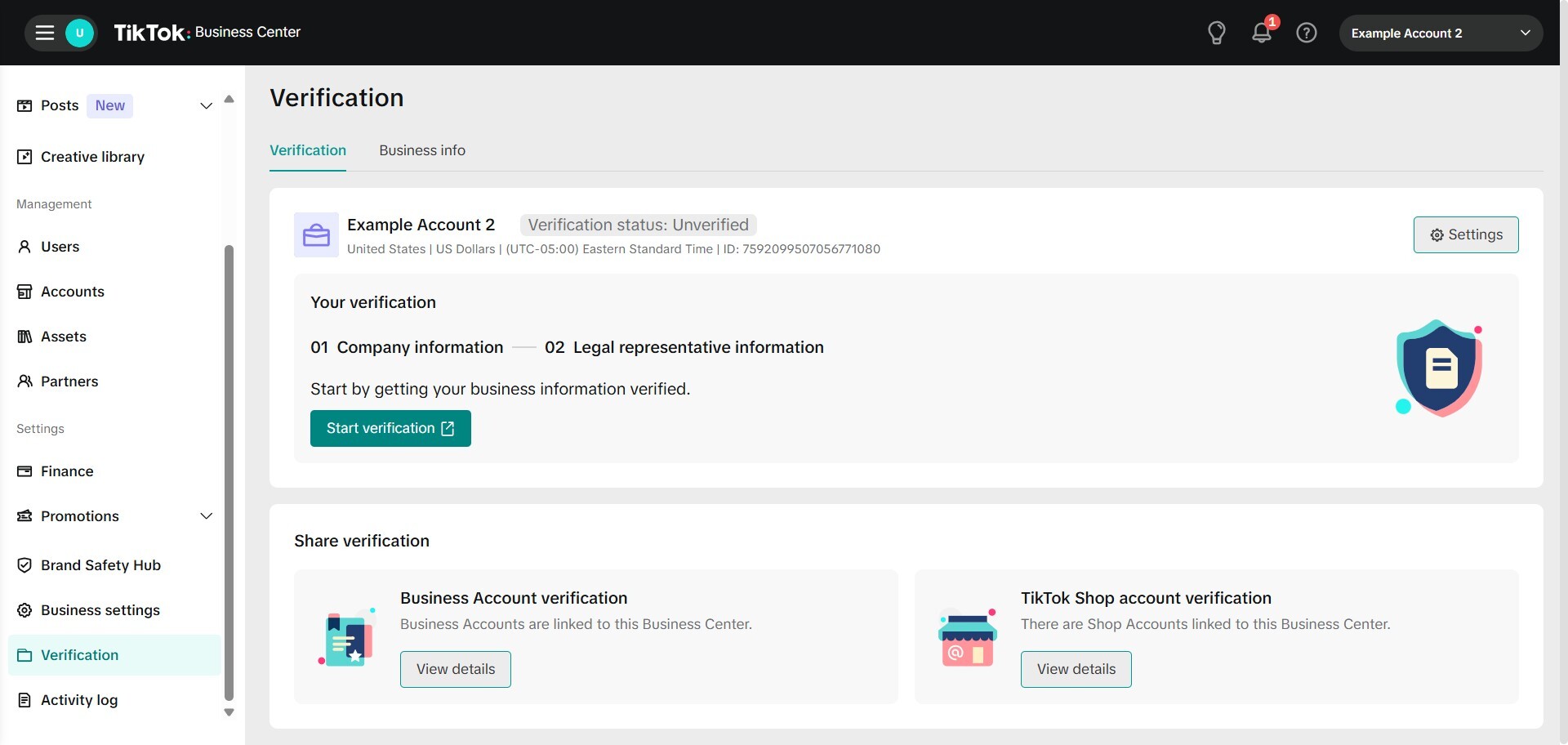
39. Click "Verification".
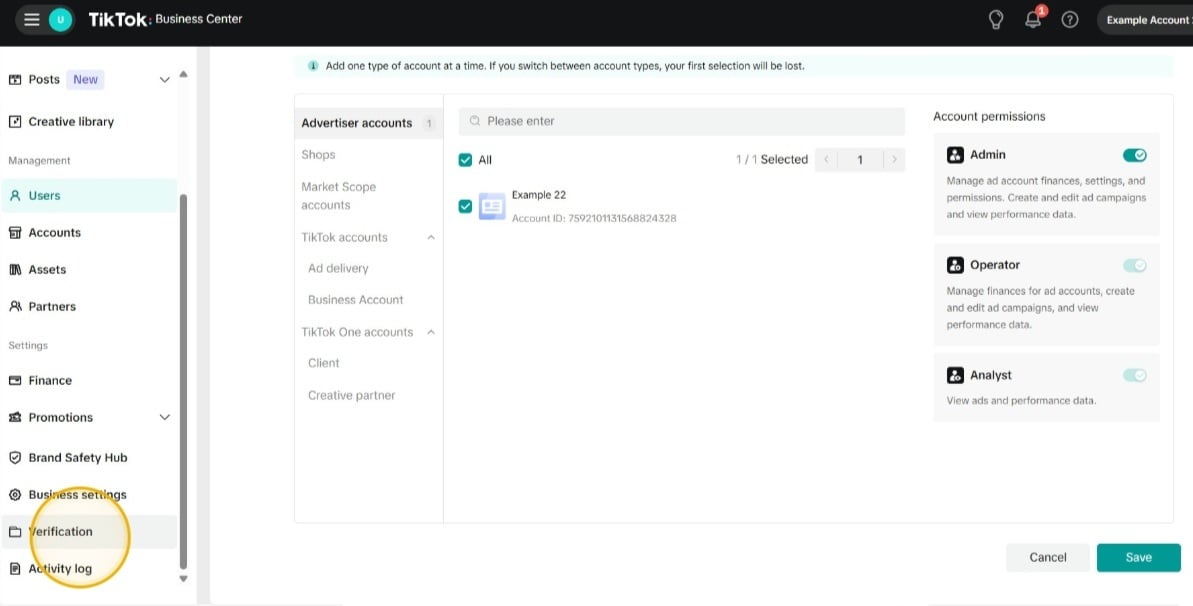
40. Click "Start verification".
41. Set up your business verification.
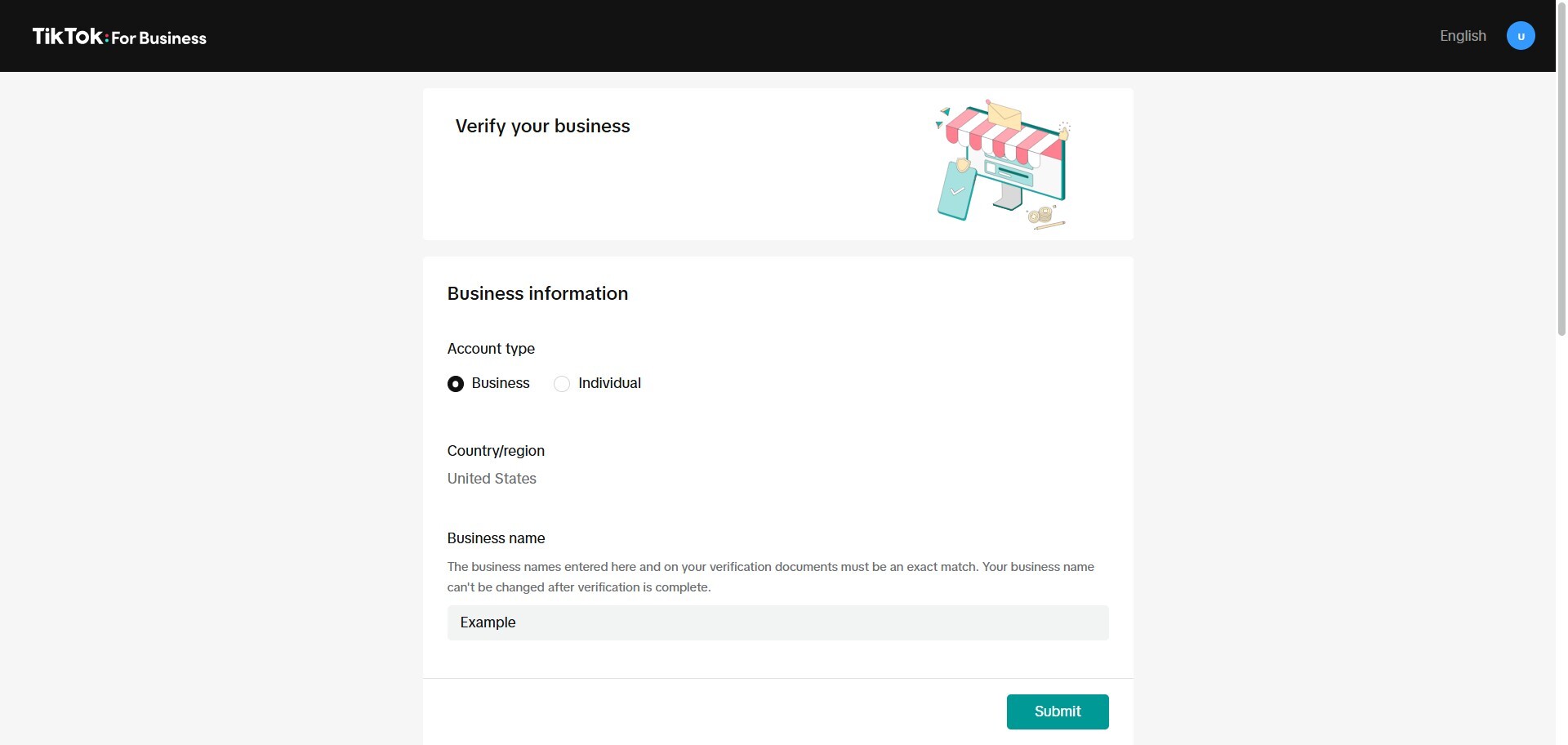
42. Click here.
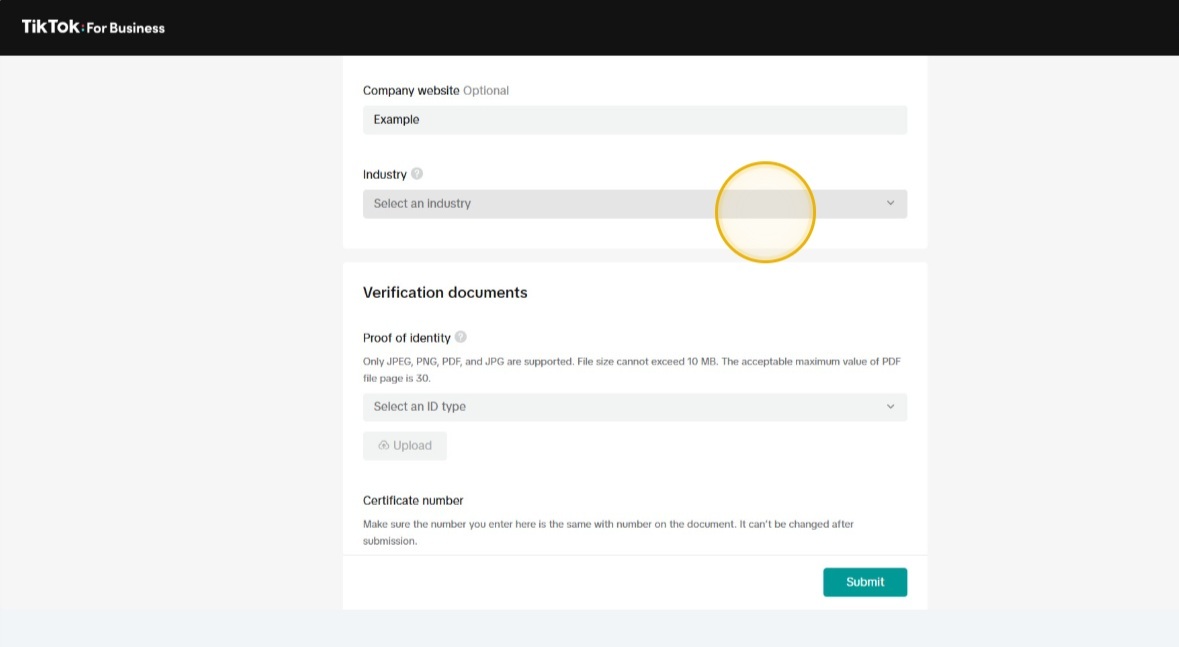
43. Select an industry.
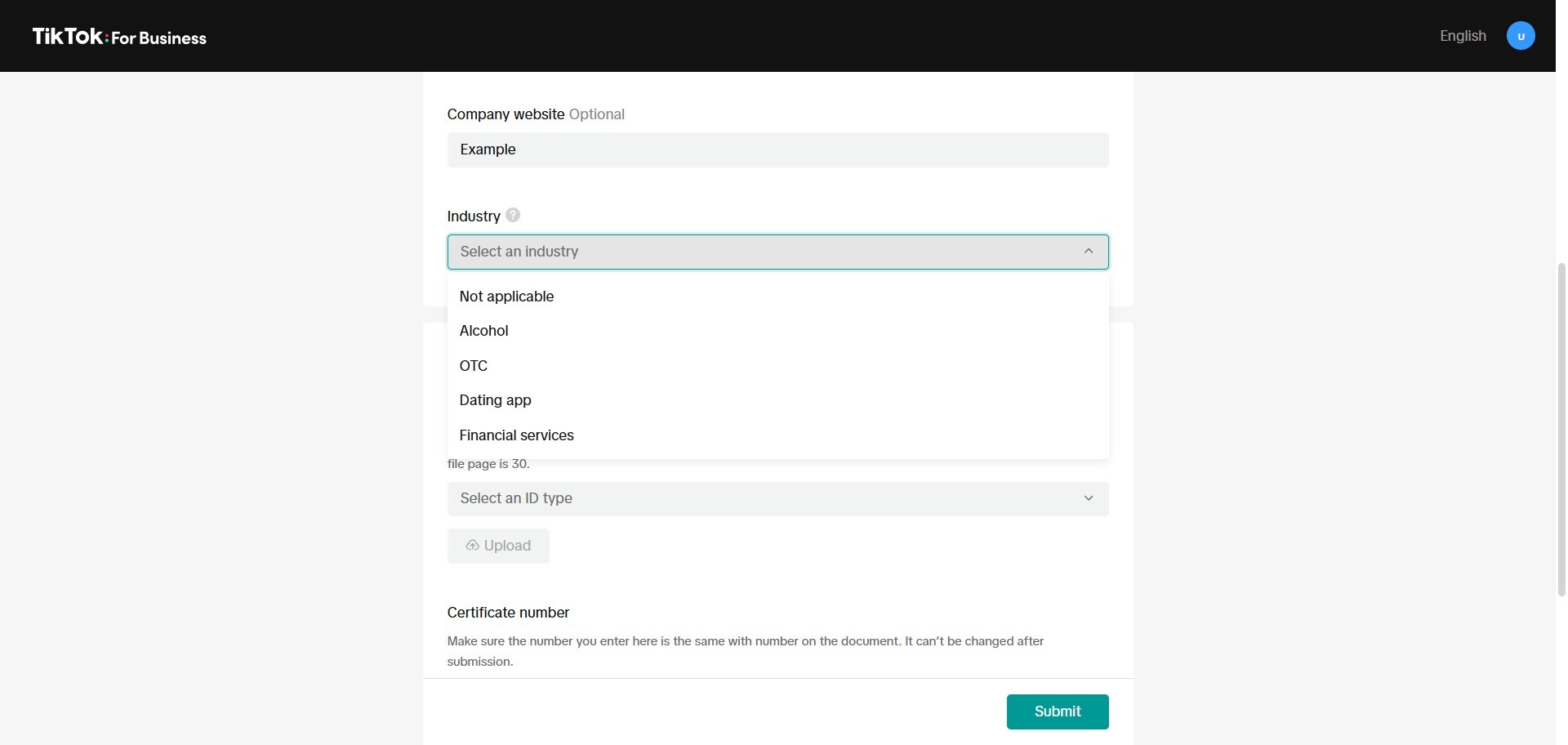
44. Submit any supporting documents (business license, etc.).

45. Click "Submit".
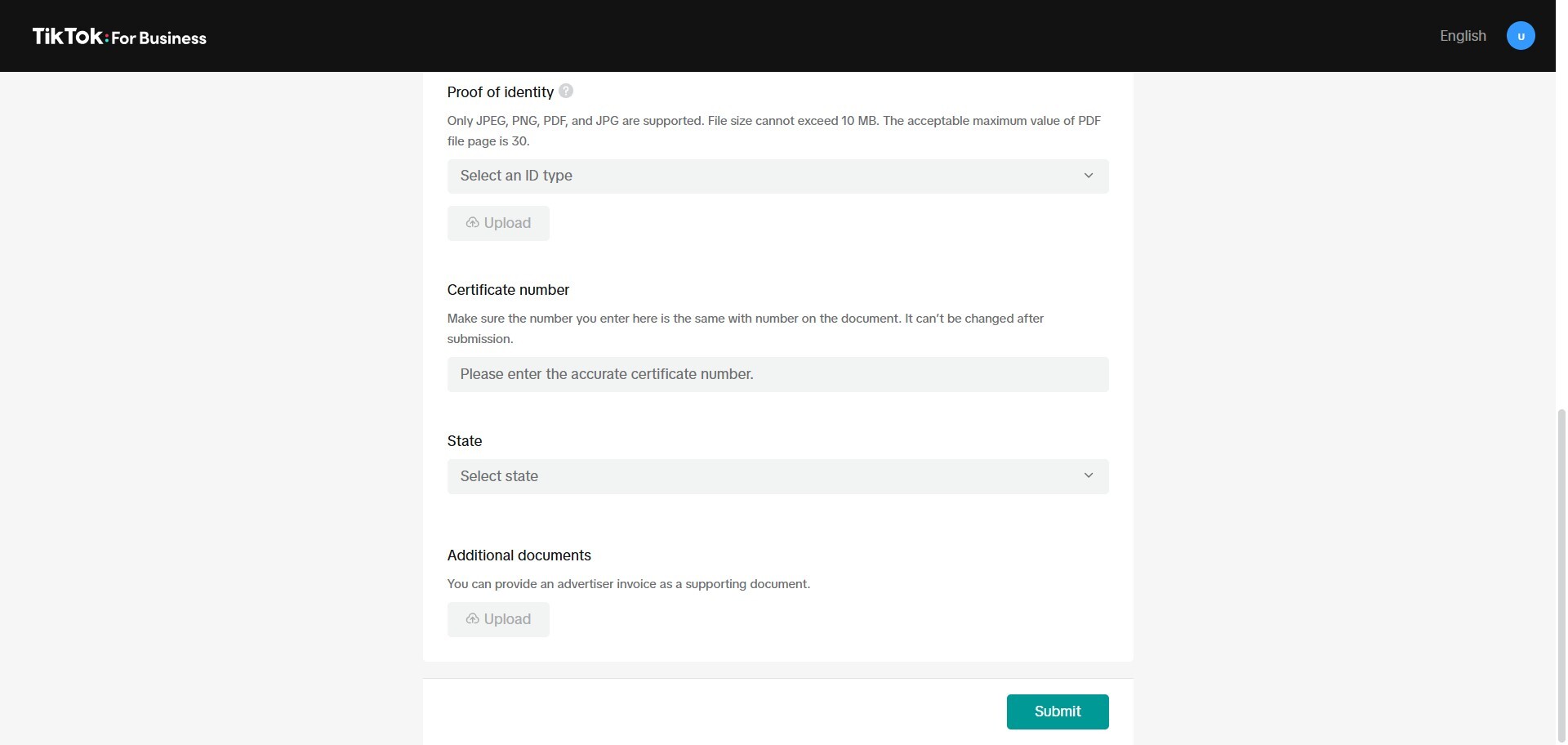
46. Click "Assets".
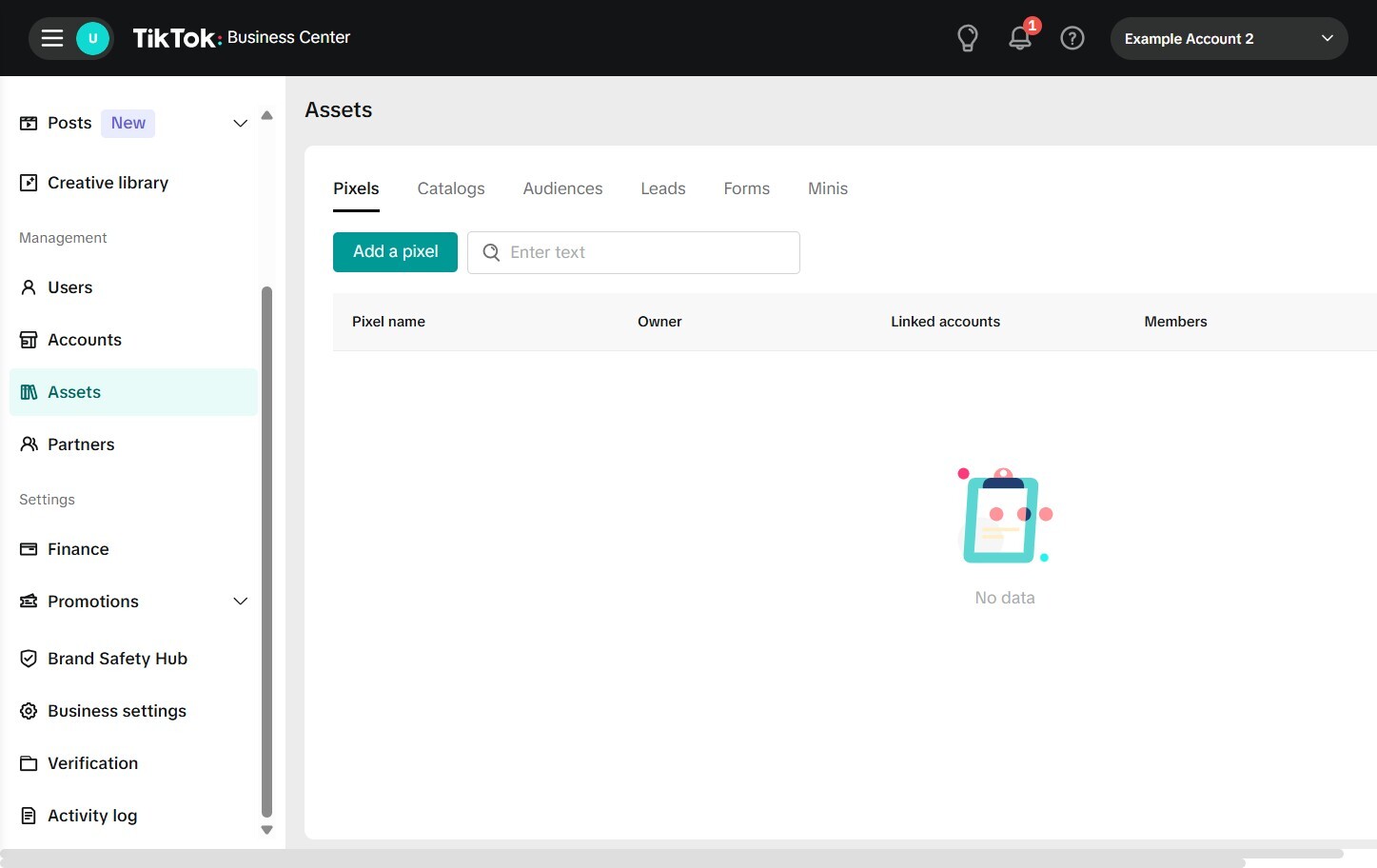
47. Click "Add a pixel".
48. Click "Next".
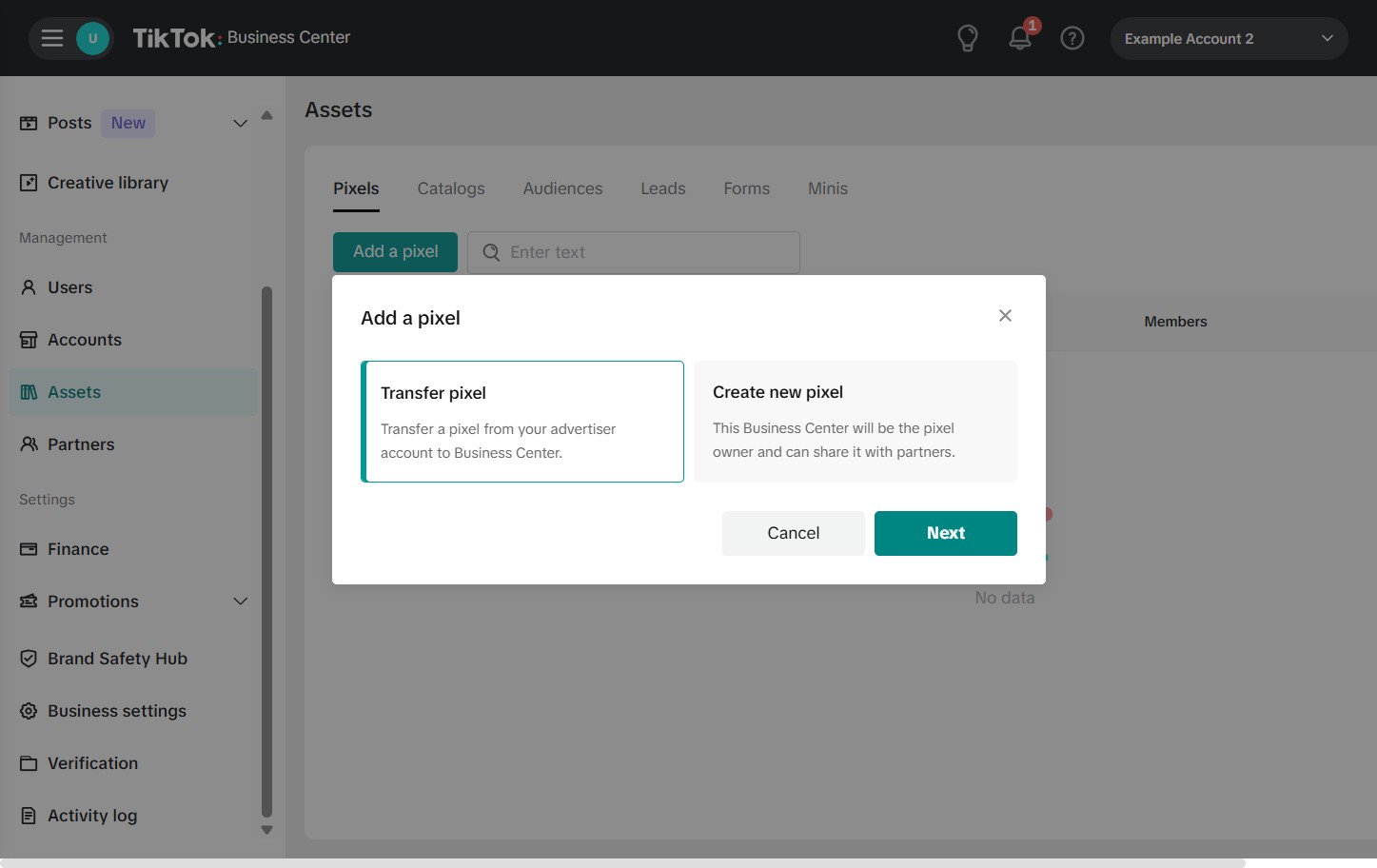
49. Click the "Enter the pixel ID" field.
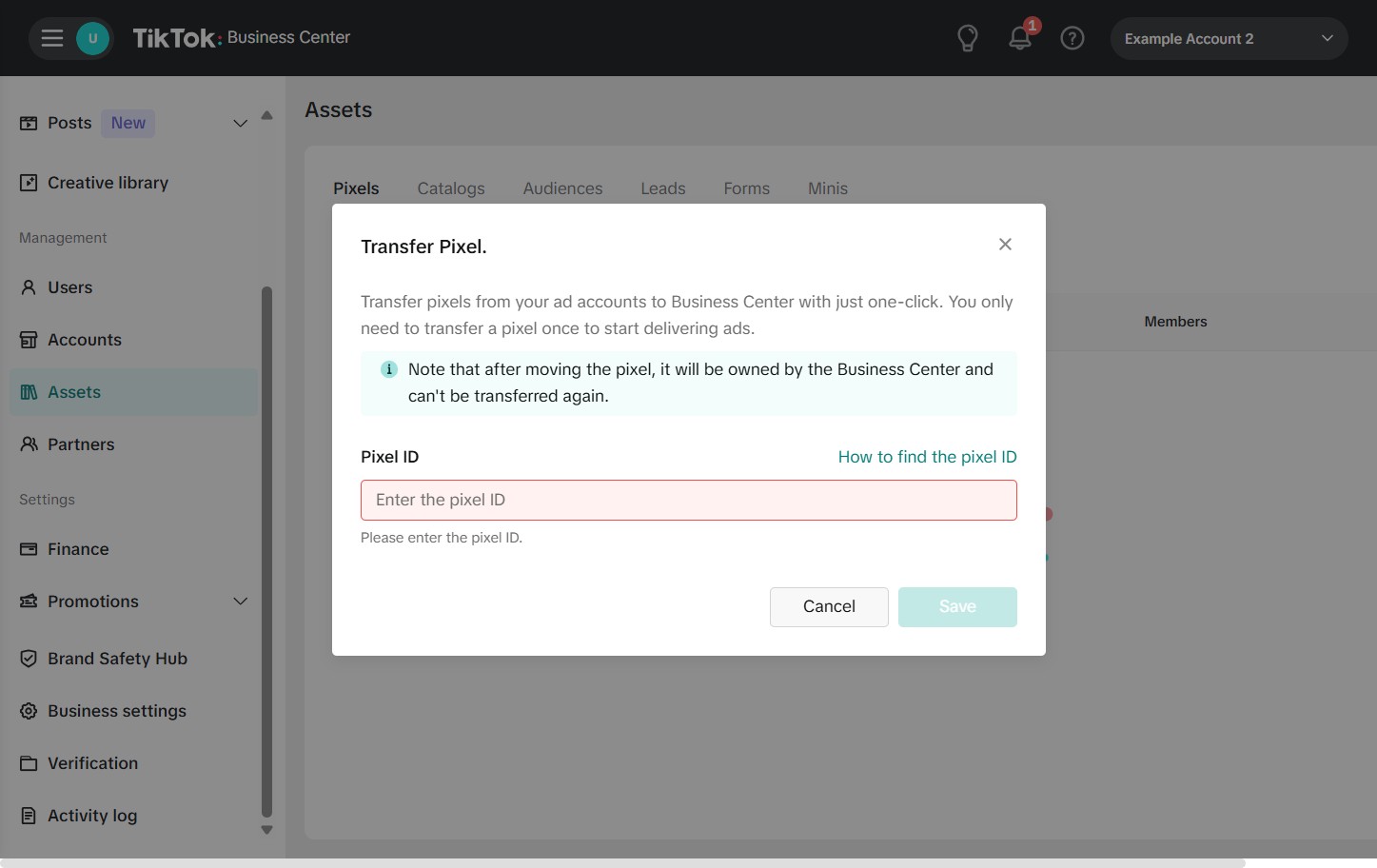
50. Add pixel if one exists.
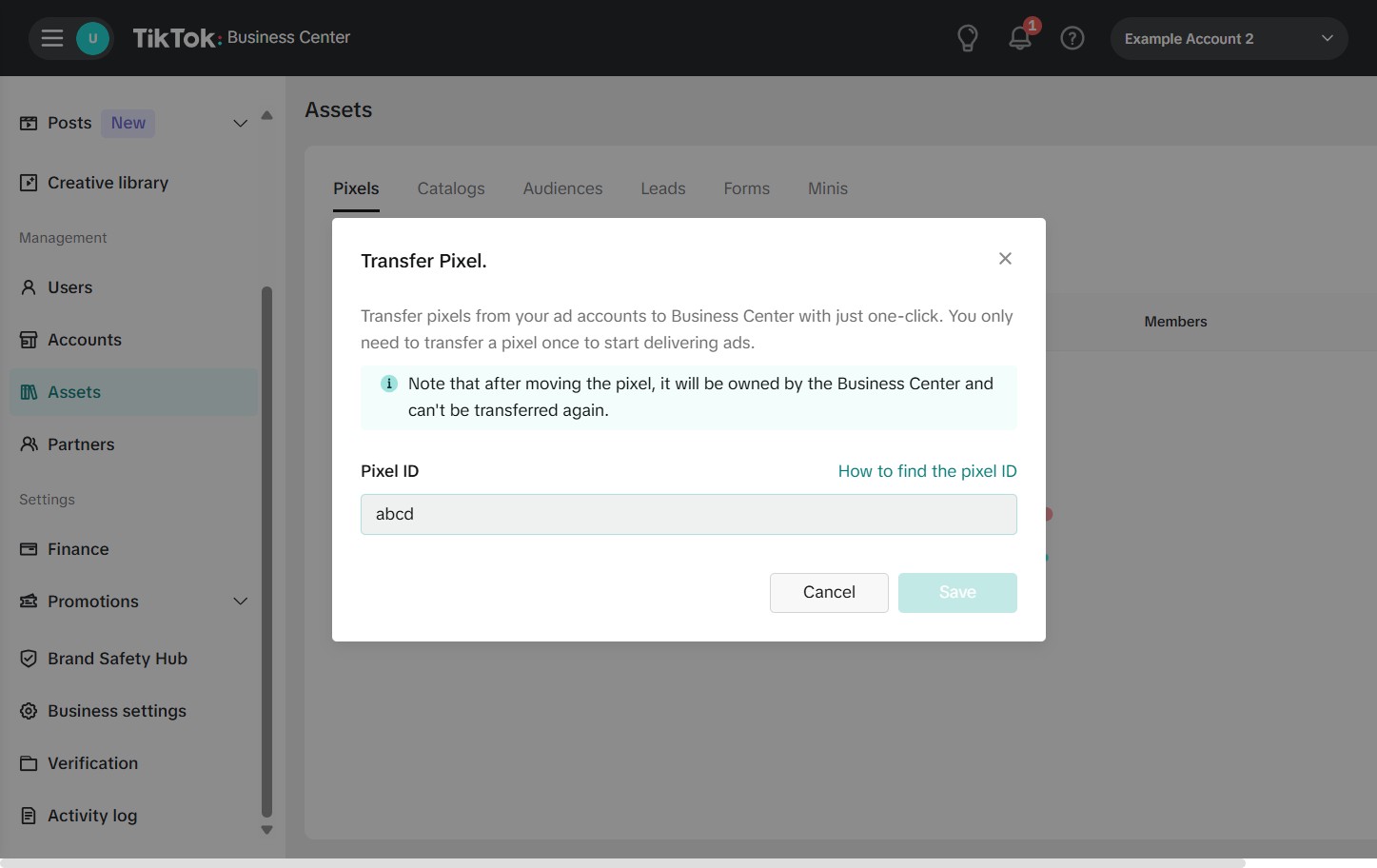
51. And submit.

Establishing a structured workflow within the TikTok Business Center is the best way to safeguard your digital assets while empowering your marketing team. By correctly configuring your account and assigning specific roles—such as Admin, Operator, or Analyst—you create a transparent environment where everyone can contribute to your brand’s viral potential.