


How can you give your marketing the admin access that they need in your WordPress account?
1. Navigate to your WordPress Dashboard
2. Click "Users"
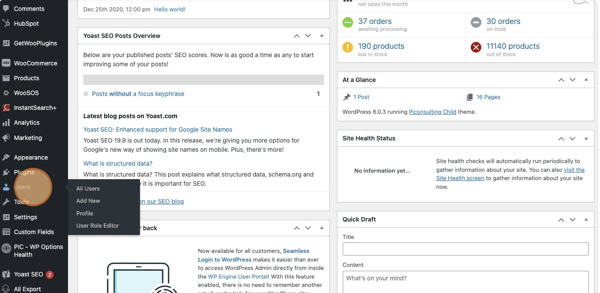
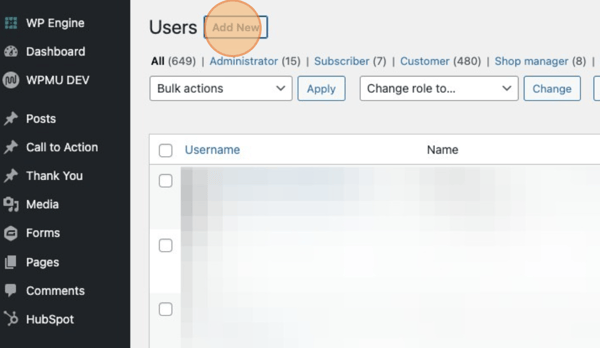
3. Click "Add New"
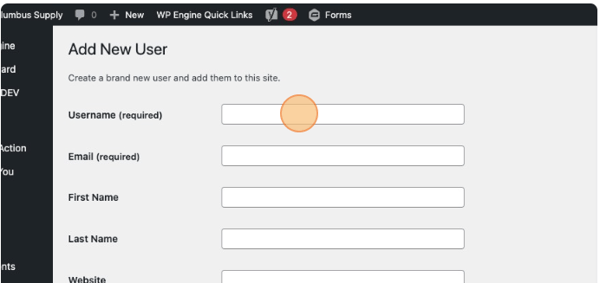
4. Click the "Username (required)" field, and enter the name of who you would like to add.
5. Click the "Email (required)" field, and enter their email.
6. Click "Generate password" if you would like a created password
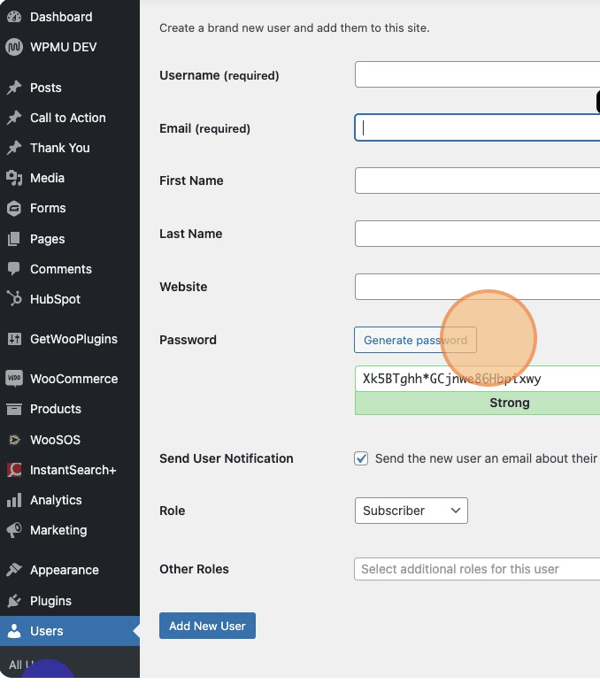
7. If not, you can click the "Password" field. Then type in the PW you want.
8. Click the Role dropdown. You will want to make this users role an "administrator" 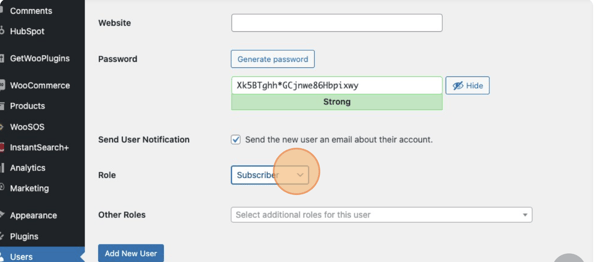
9. Click Add New User button.